A Compact Smart UV Printer for Small Product Customization
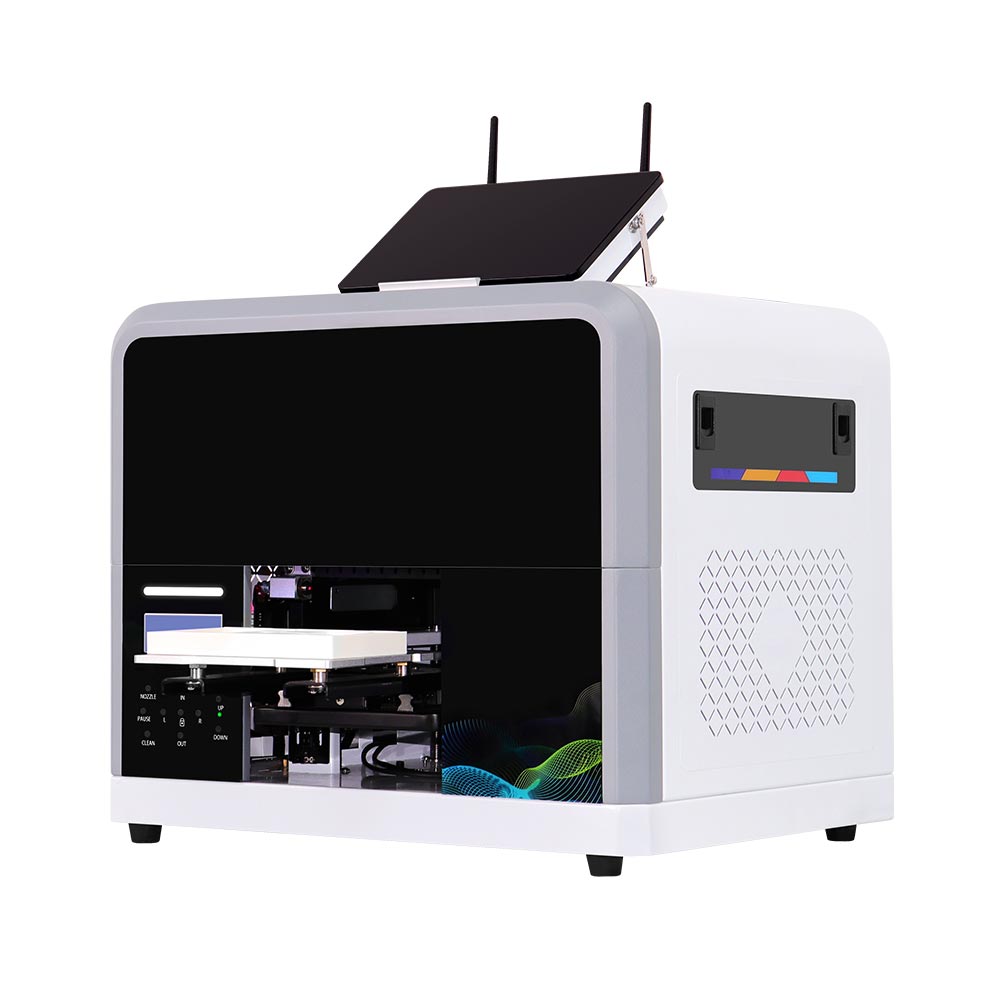
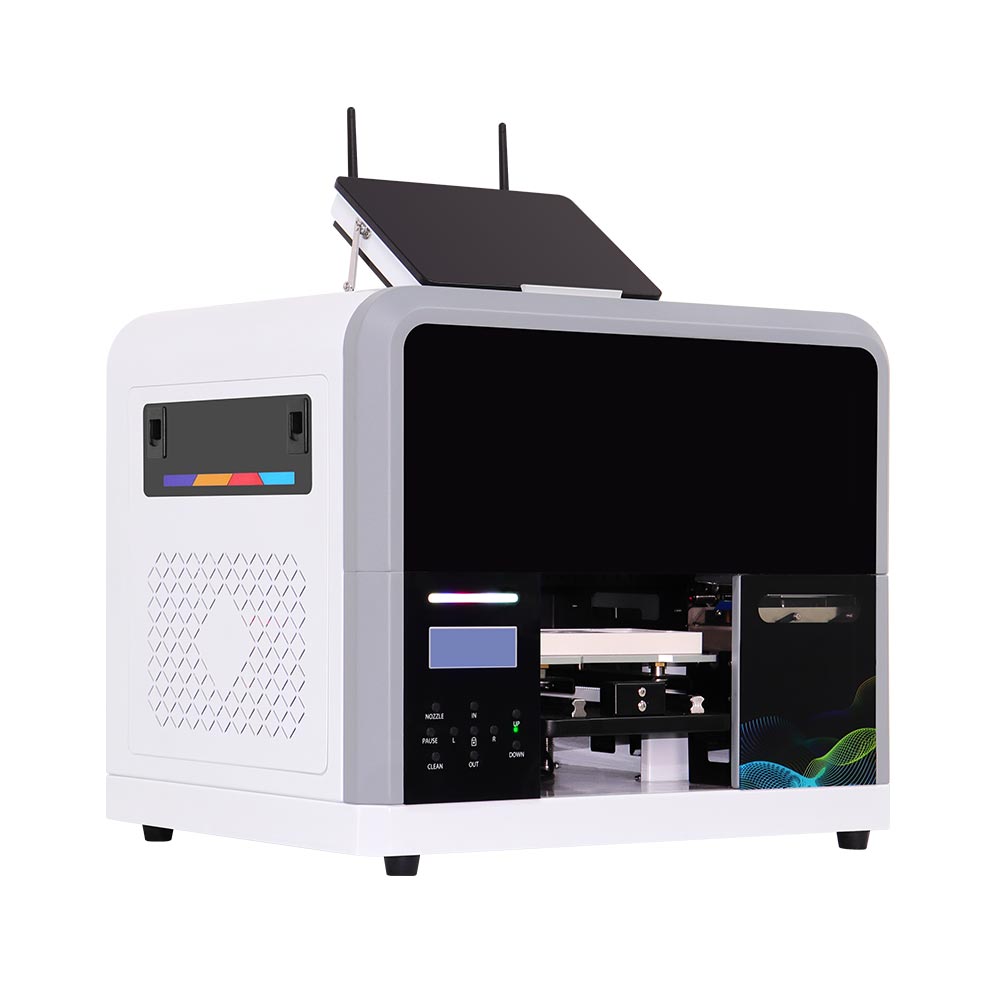
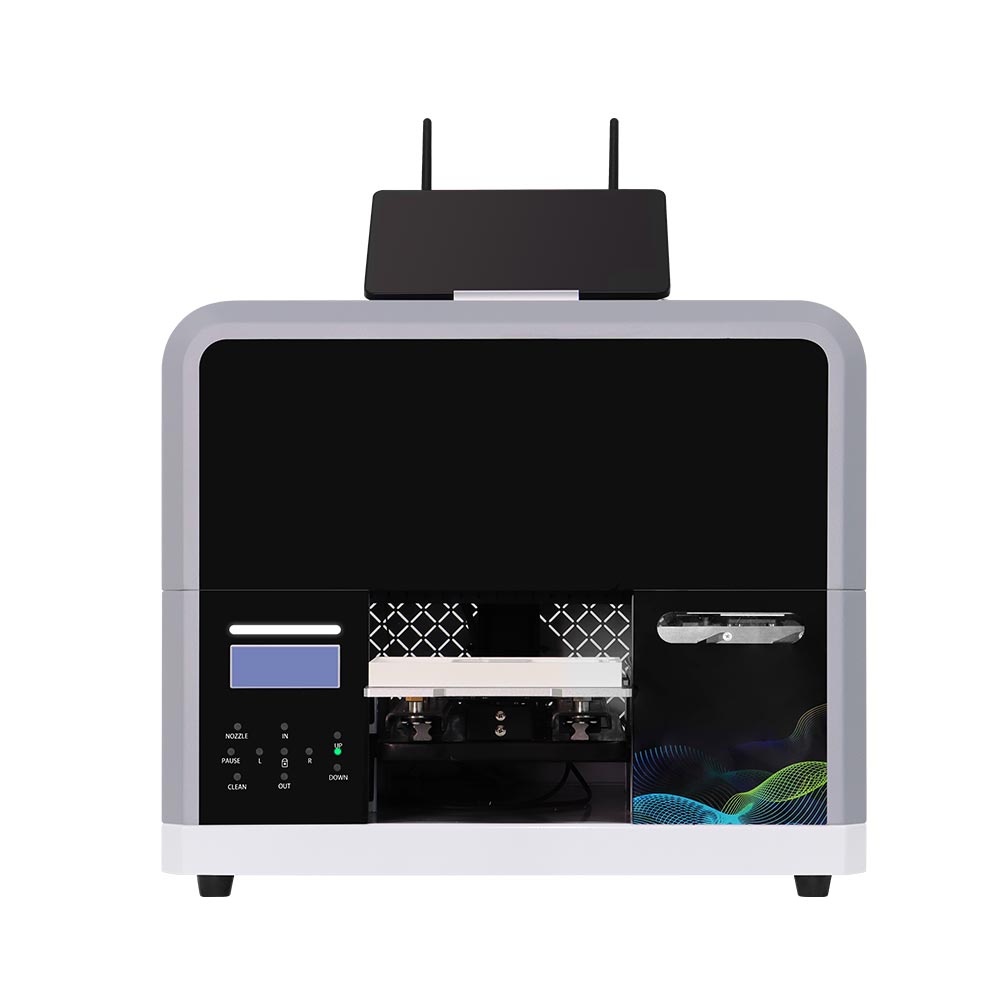
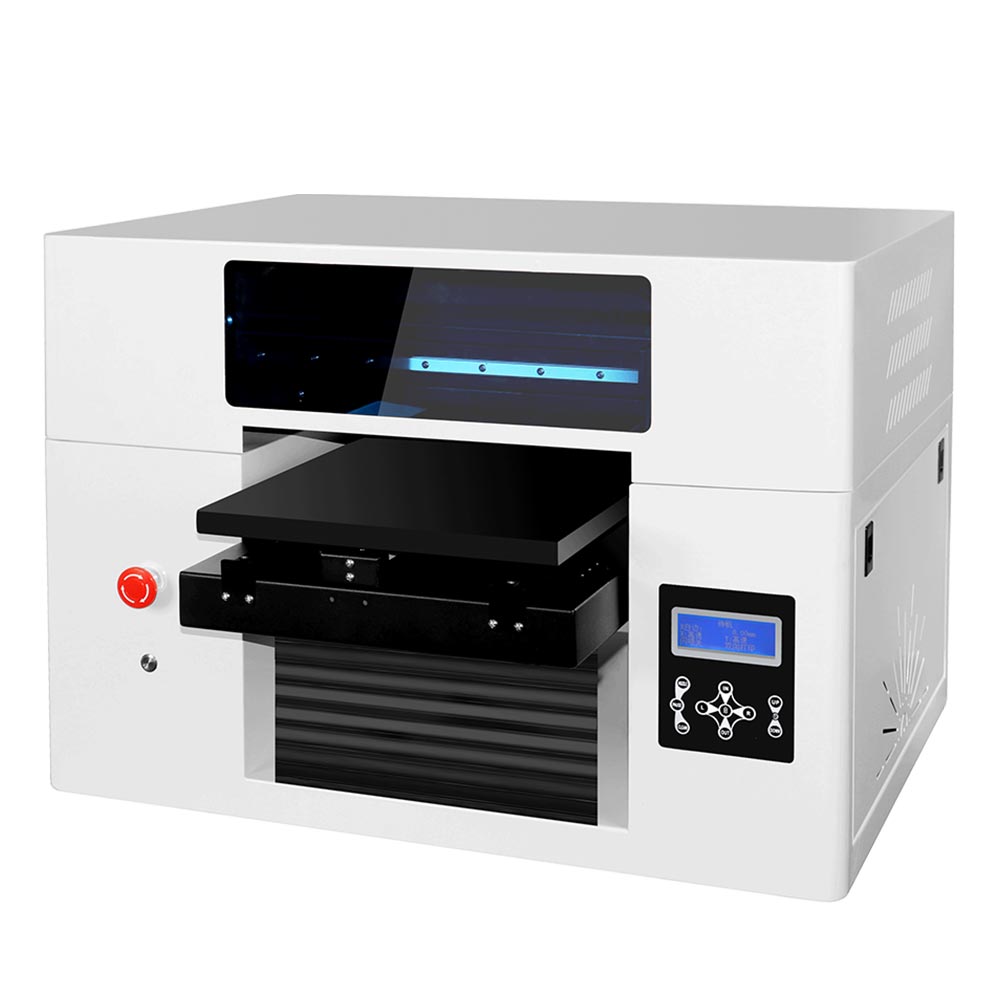
ZP1-A Smart UV Printer
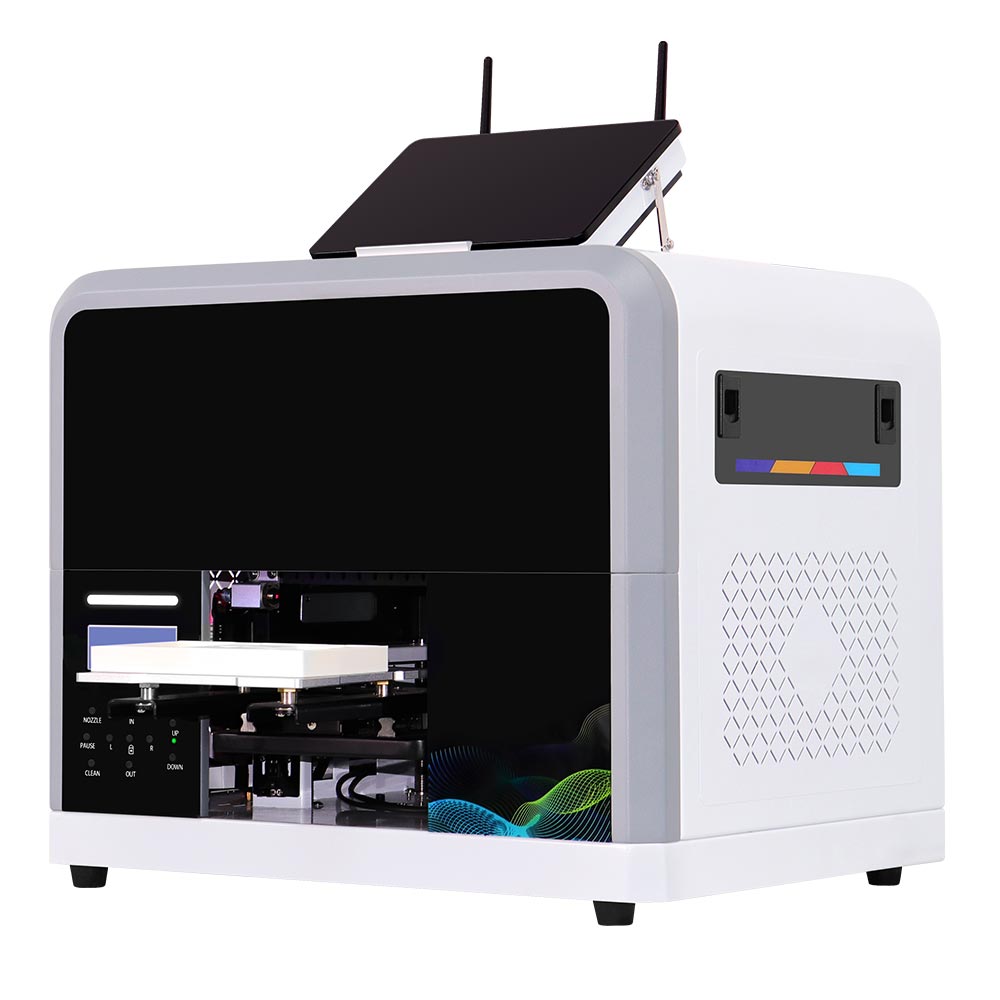
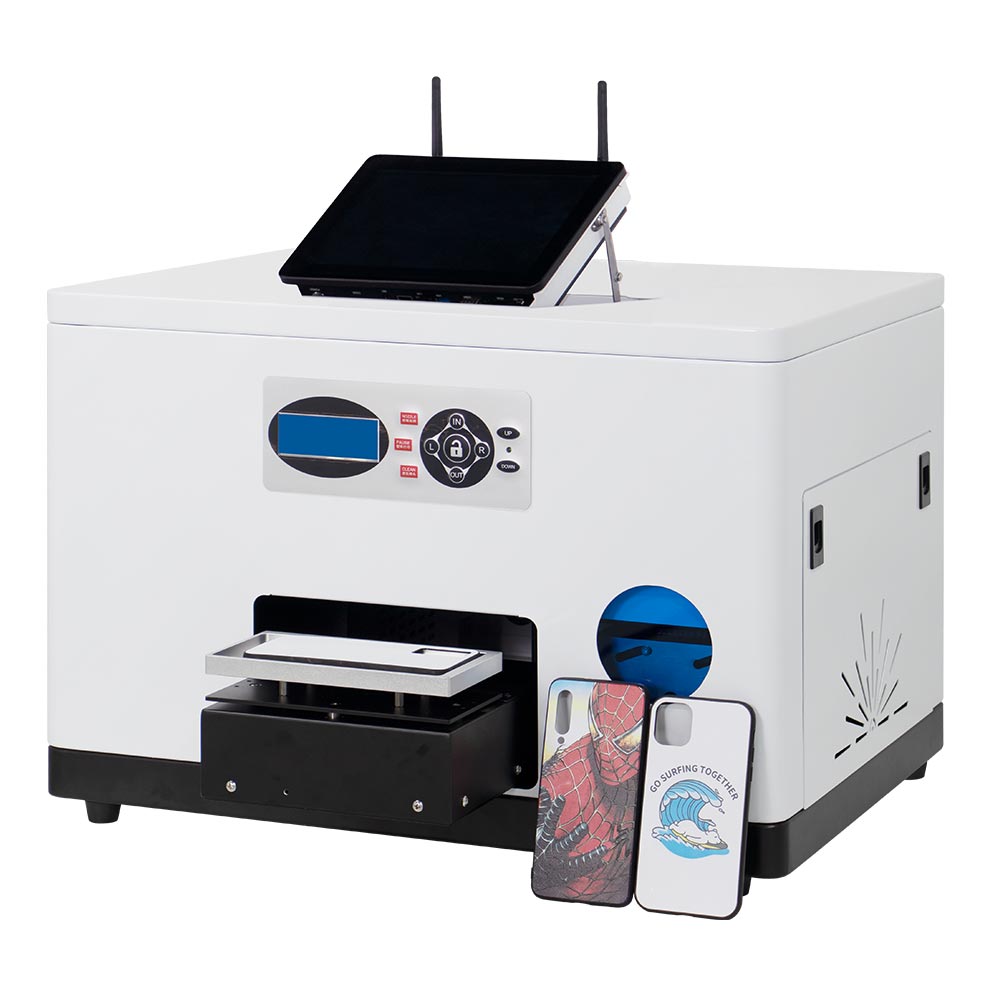
The Inkit ZP1-A Smart UV Printer is designed for small product customization businesses that need easier operation, lower maintenance pressure, and more flexible printing workflows. It is suitable for printing fridge magnets, phone cases, badges, souvenir products, small gifts, acrylic items, and other flat or slightly raised products.
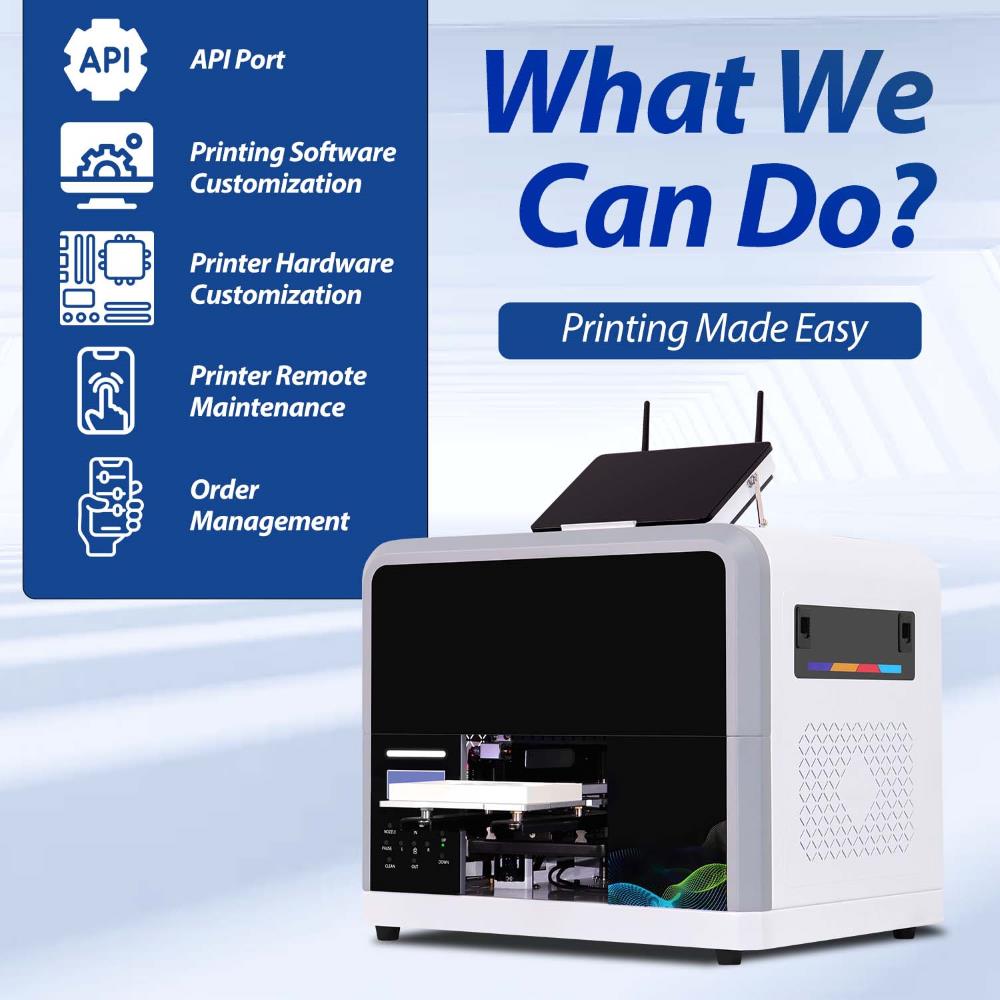
Unlike traditional UV printers that depend heavily on separate software, computer settings, and experienced operators, ZP1-A focuses on a more integrated workflow. From printing software and client-side control to jigs switching, AI design, and daily maintenance, the machine is built to help stores and small businesses complete custom printing with less manual adjustment.
Key Features
Connected Smart Printing Workflow
The built-in computer runs both ColorPark Client and Hosonsoft PrintExp. ColorPark Client receives uploaded designs and manages orders, while PrintExp handles print settings and printer control. Together, they provide a clear workflow from order receipt to production.
Compact Design for Small Business Spaces
A space-saving structure designed for retail stores and souvenir shops, making it easy to deploy in limited commercial environments.
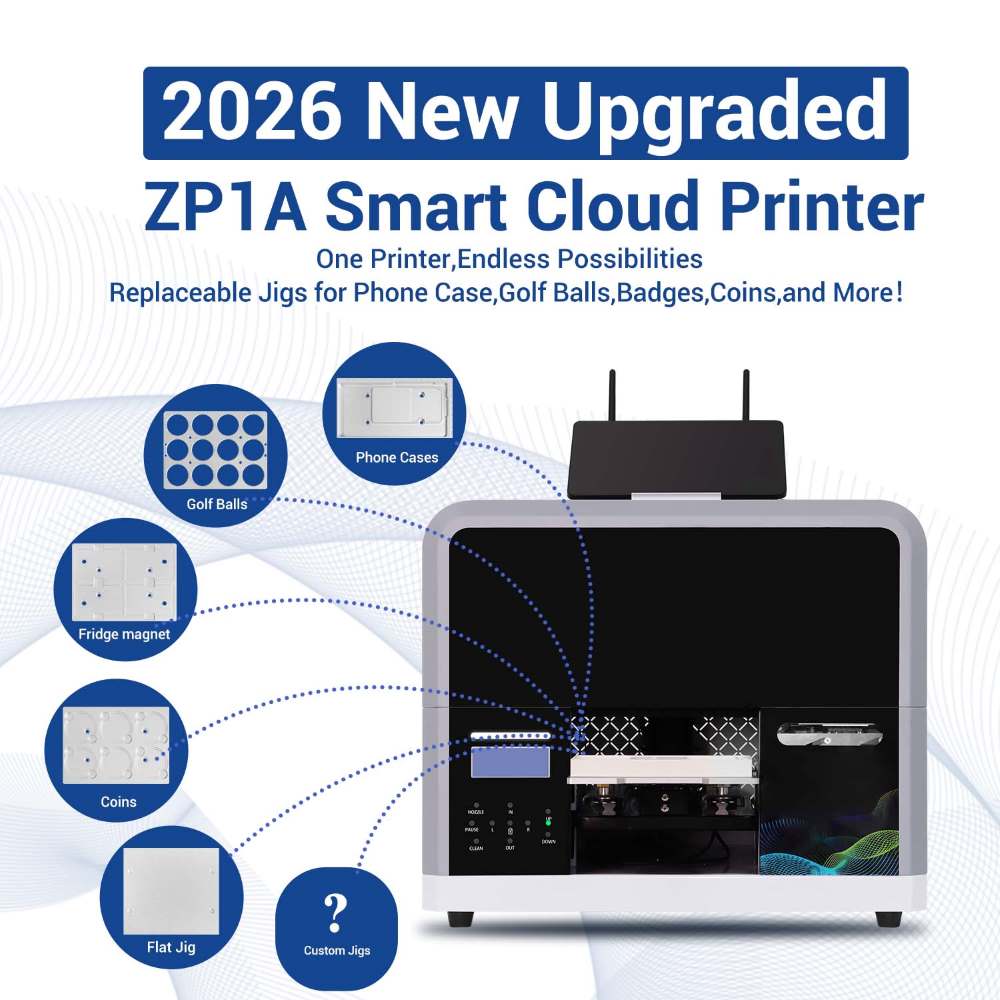
Replaceable Grooved Jig System
Flexible jig design allows fast switching between different product types, improving efficiency for multi-product customization businesses.
Supports Multiple Custom Products
Compatible with fridge magnets, phone case, badges, souvenirs, acrylic gifts, and other small flat or slightly raised items.
AI-Powered Design System
Built-in AI functions support text-to-image and image-to-image generation, helping customers quickly create personalized designs without professional design skills.
Standard CMYK + W + W Ink Configuration
Equipped with CMYK + White + White ink as standard, ensuring strong color performance on dark, transparent, and specialty materials without additional upgrades.
ZP1-A Smart UV Printer
Technical Specifications
Review the key technical details of the ZP1-A Smart UV Printer, including printing performance, ink configuration, supported printable products , software, machine dimensions, and daily operating requirements.
| Item | Specification |
|---|---|
| Product Name | ZP1-A Smart UV Printer |
| Ink System | Cyan, Magenta, Yellow, Black, White, White ink system |
| Printhead | Epson F1080 piezoelectric printhead |
| Printing Speed | Prints one item in 2–3 minutes. |
| Printing Resolution | Up to 2160 DPI |
| Suitable Products | Fridge magnets, phone case, badges, souvenir coins, acrylic item, and other custom products |
| Printer Size | 56 × 42 × 48.5 cm |
| Printer Weight | 38.5 kg |
| Ink Cost | Around $0.05 per item |
| App Language | English, Japanese, German, Indonesian, Turkish, and Spanish and we also support customized language options. |
| Built-in Computer | Built-in Mini PC |
| UV Lamp Life | Up to 50,000 working hours |
| Printing Modes | 8 pass / 12 pass / 16 pass |
| Maximum Printable Camera Bump Height | 8 cm |
| Interface | Internet |
| Software | ColorPark AI-Pro mobile printing app, ColorPark Client, Hosonsoft PrintExp |
How to Use the ZP1-A Smart UV Printer
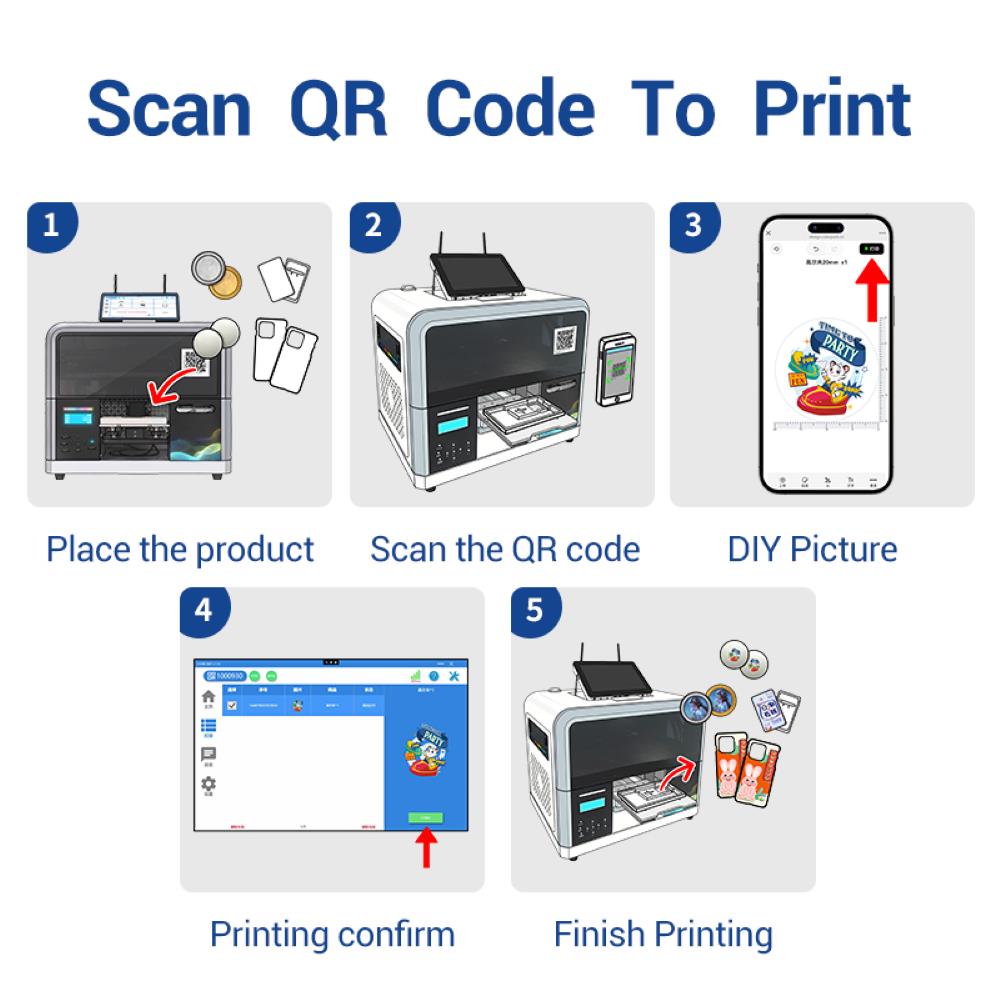
From artwork preparation to finished product, ZP1-A simplifies small-product customization into a clear four-step workflow.
Choose the Product and Install the Jig
Select the matching removable jig and place the blank product securely in the designated position.
Upload or Create Your Design
Upload an existing image through ColorPark AI-Pro, or use the AI design tools to create and refine personalized artwork.
Preview and Submit the Order
Select the matching product template, preview the artwork, and submit the print job to the ColorPark Client.
Start Printing and Collect the Product
Start the job from the ColorPark Client. ZP1-A completes UV printing and curing automatically. Depending on the print mode and artwork, a small item can typically be completed in 2–3 minutes.
Smart Hardware and Software Designed for Easier Daily Operation
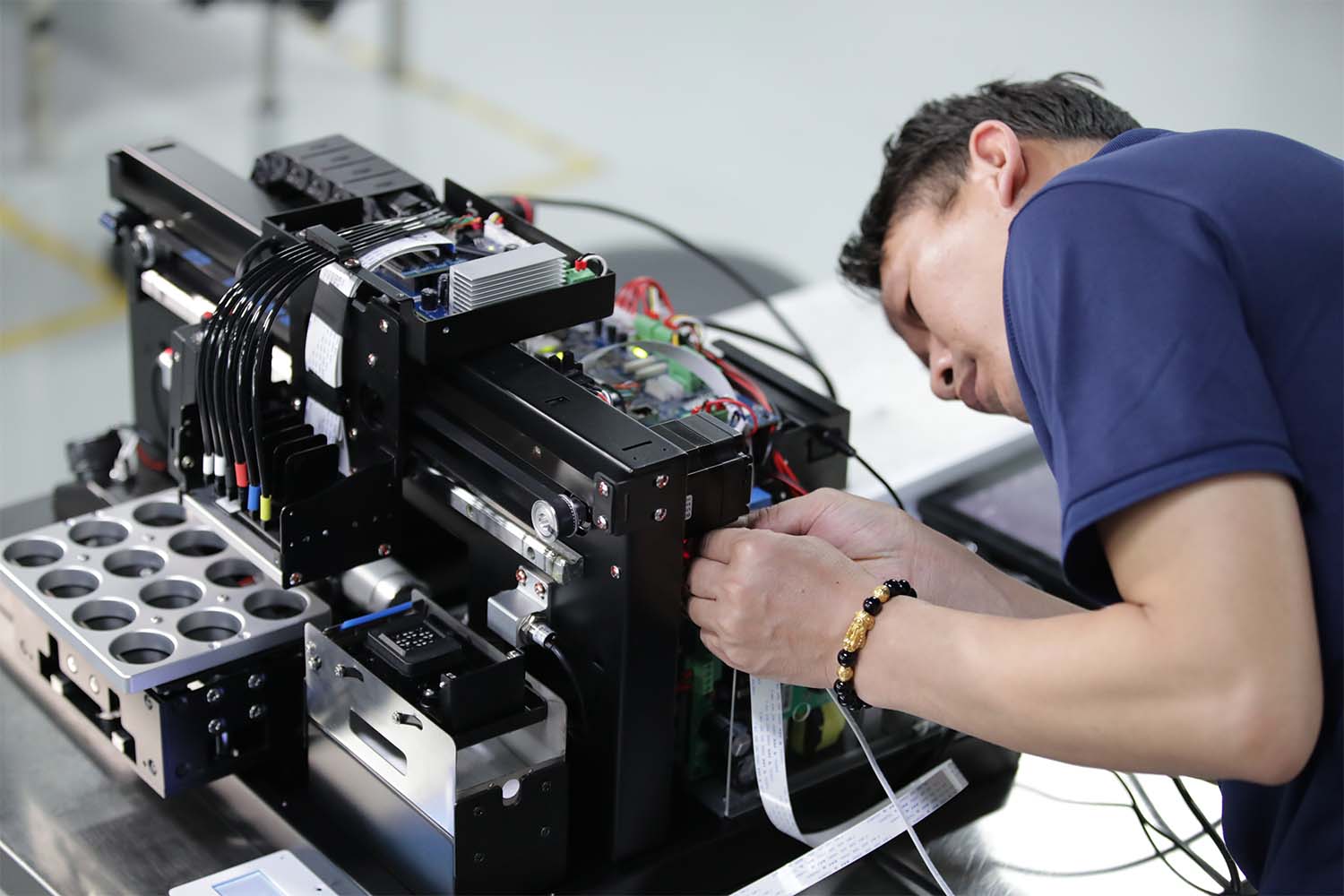
Easier Maintenance Hardware
The UV lamp is tilted by about 10 degrees. This design helps improve the UV lamp structure without increasing the overall machine size, keeping the printer compact and lightweight.
The UV lamp is also designed for easier maintenance. It supports quick removal, does not require welding during replacement, and uses a dual-side heat dissipation structure to avoid cooling failure caused by dust blockage. When the UV lamp is not working for 30 minutes, the fan stops automatically, helping reduce unnecessary running time.
The ink pump is easier to remove, and the waste ink full protection function can stop the machine when waste ink reaches the limit. This helps prevent waste ink overflow and reduces the risk of unnecessary damage.
Status indicator lights are also added, allowing operators to understand the machine status more clearly during use.
Smarter Jig and Product Workflow
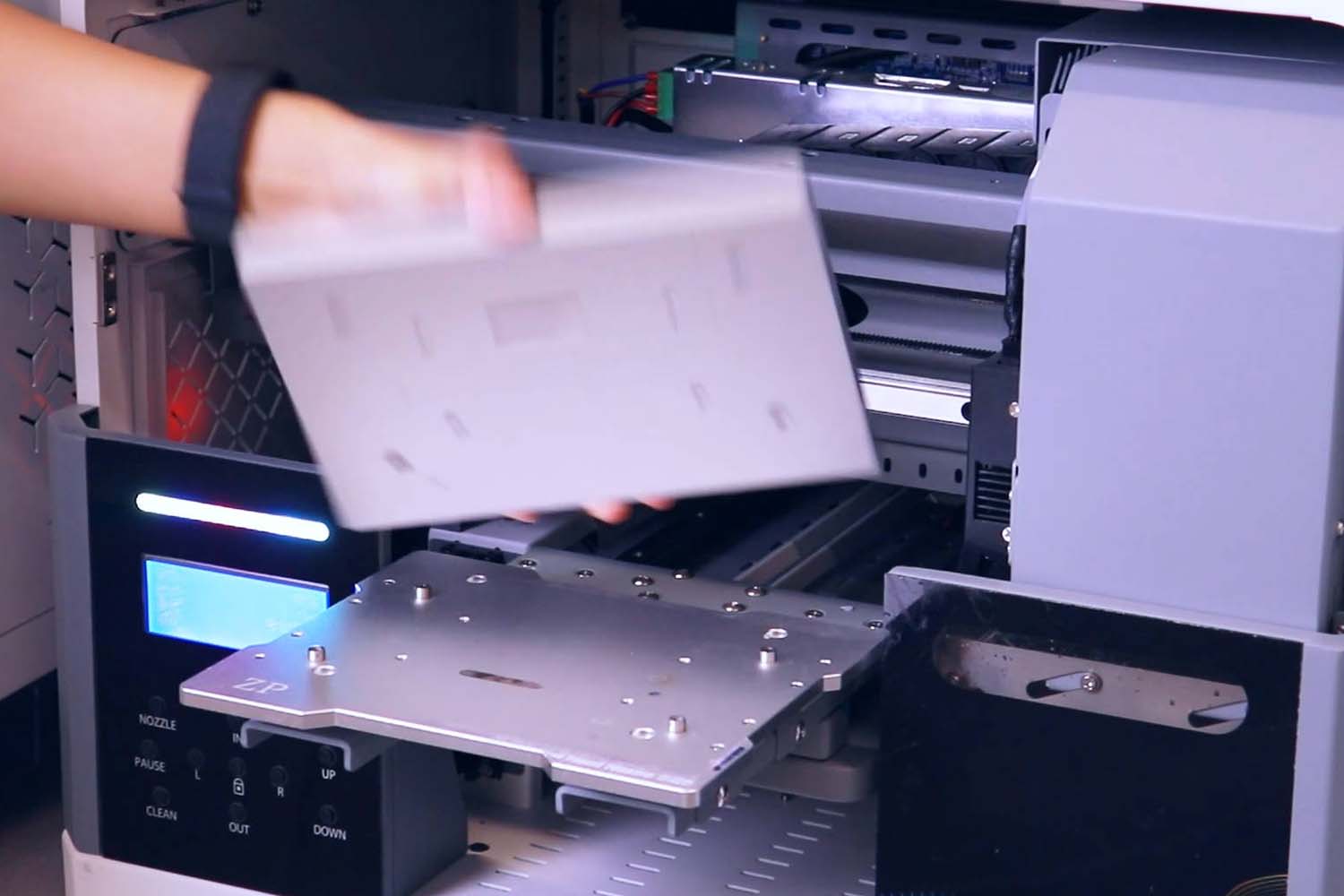
ZP1-A supports removable grooved jigs, making jig change faster and easier. The machine can be used with different jigs for different products, helping one printer handle more customization tasks.
For example, if a customer only wants to print fridge magnets, the Colorpark AI-Pro interface can be customized to show only fridge magnet options. This avoids unnecessary product choices and makes the customer ordering process clearer.
Preset fridge magnet templates can also be added. If users do not want to use Inkit templates, custom templates can be configured.
Integrated Client Software and Network Control
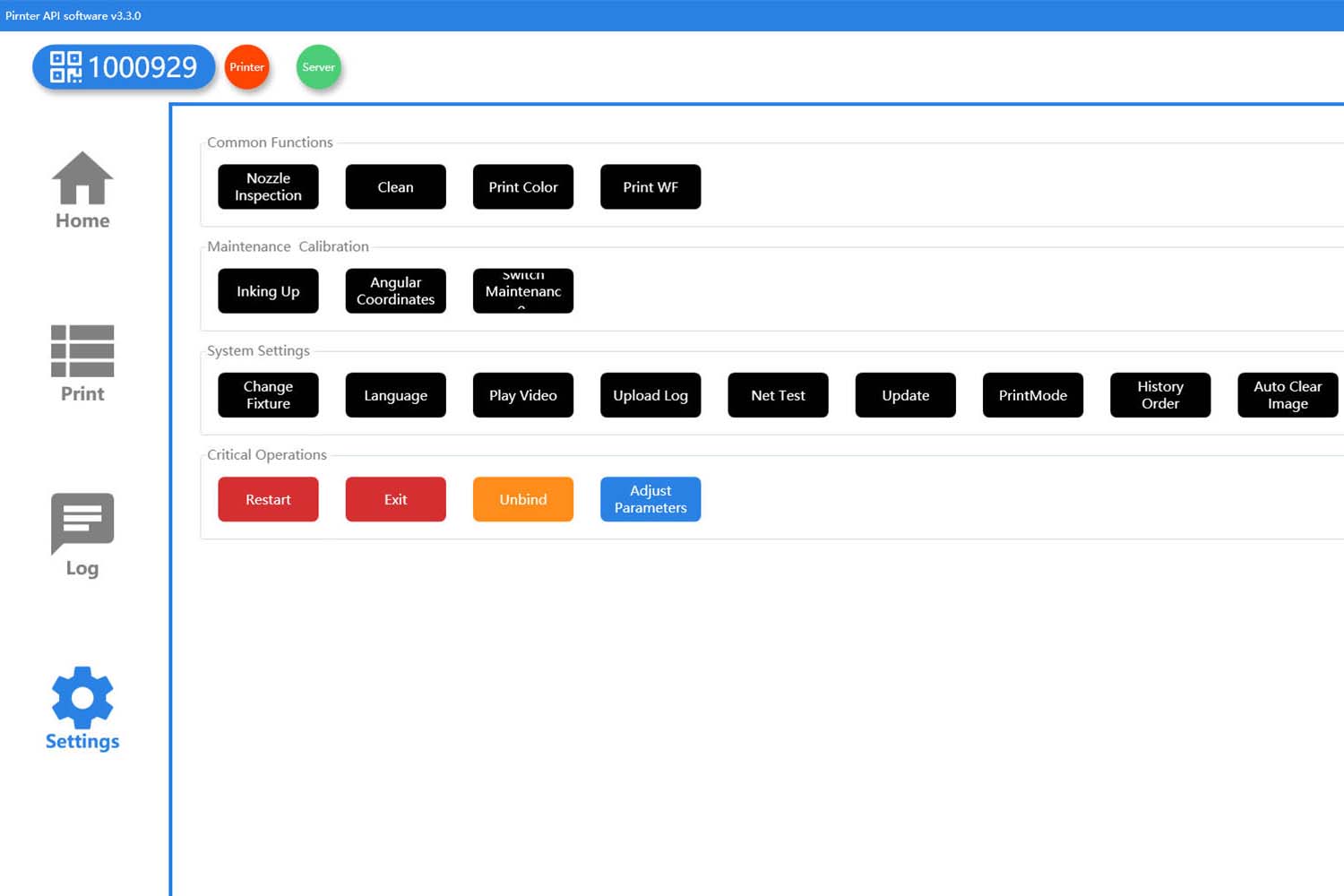
ZP1-A supports Wi-Fi connection through the ColorPark Client without requiring configuration via a Windows system. The client can also update automatically, reducing the need for manual software maintenance. By default, the machine enters the printer software interface upon startup, further simplifying the operation process.
The client can support the customer’s own promotional advertising content. This is useful for stores, self-service scenarios, and customer-facing printing projects where the screen can display product promotions or brand content.
Other useful client functions include:
- Loop printing
- Historical order reprint
- Image data deletion
- Selectable image retention time
- Client-side coordinate calibration
These features help make ZP1-A more suitable for real store operation and cloud printing applications.
AI Design Functions for Personalized Printing
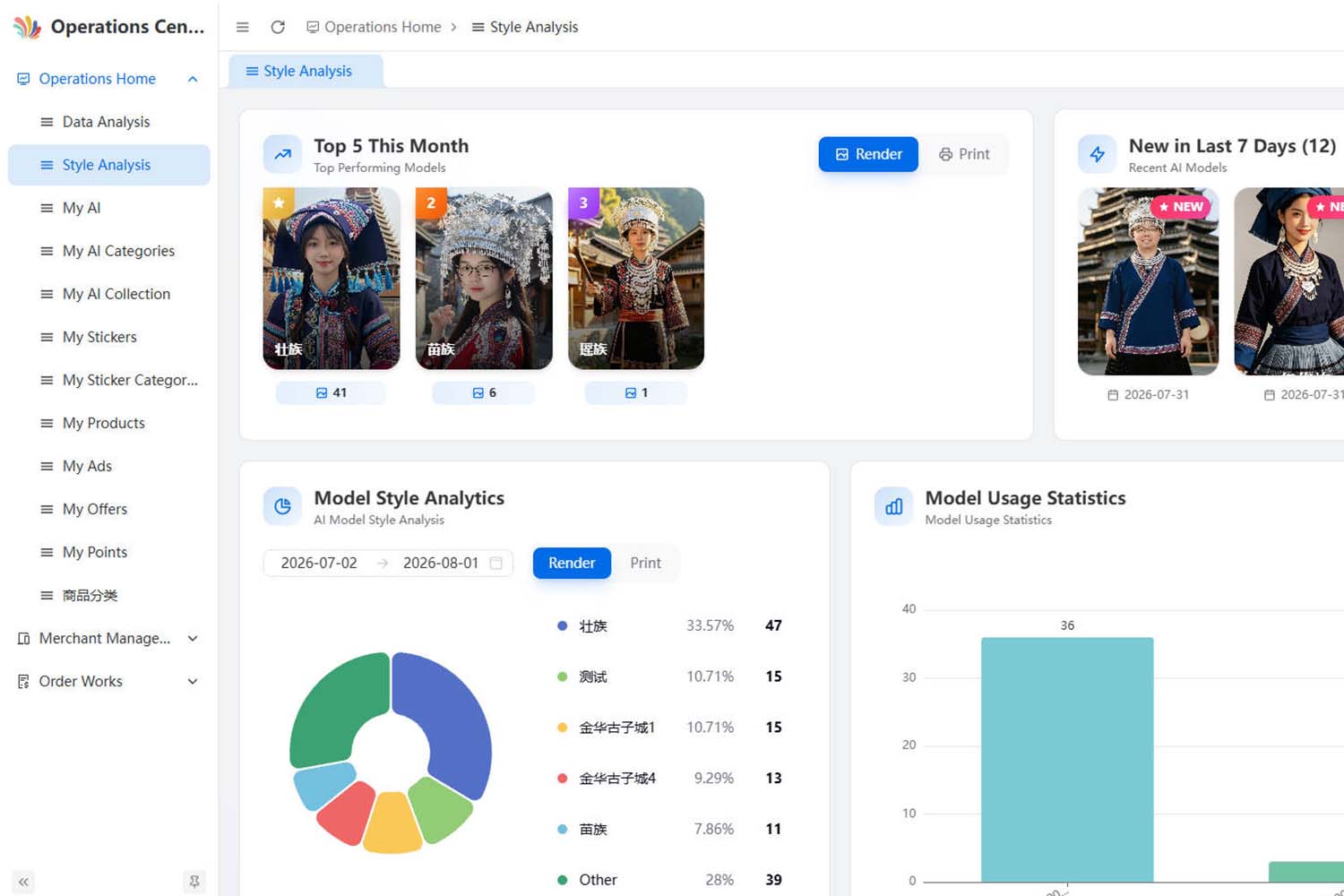
ZP1-A supports AI-generated image creation from text and image-based image generation. It can call AI models such as Doubao and Jimeng to help generate customized artwork.
For stores and event-based customization projects, AI design functions can help customers create images faster, especially when they do not already have finished artwork. This makes the printer more suitable for creative souvenir products, personalized gifts, cultural tourism products, and retail customization.
If you would like to experience our ColorPark AI Operation Platform, feel free to reach out to us.
How to Start a Custom Product Business with the ZP1-A
Starting a personalized product business does not require a large factory or a complicated production setup. With the ZP1-A, you can build a flexible customization workflow for phone cases, fridge magnets, badges, acrylic gifts, souvenirs, and other small products.
Step 1 — Choose Your Target Market
Decide who you want to serve, such as tourists, gift shoppers, event organizers, local businesses, or online customers. A clearly defined audience will help you choose the right products and design styles.
Step 2 — Select and Test Your Products
Start with a small number of products that match your market. Choose the corresponding removable jigs and test the materials, print quality, adhesion, and production time before accepting customer orders.
Step 3 — Create Your Designs and Templates
Prepare original artwork, offer customer photo uploads, or use ColorPark’s AI-assisted design functions to create personalized images. Preset product templates can make design placement and order submission easier.
Step 4 — Set Up Your Sales and Printing Workflow
Sell through a retail store, souvenir shop, event booth, social media, or an online store. Customers can upload their designs through the AI-Pro, while operators use the client to preview, submit, and manage print jobs.
Step 5 — Launch, Learn, and Expand
Begin with a focused product range, collect customer feedback, and identify your best-selling designs. As demand grows, add new jigs, products, templates, and sales channels without replacing the entire printing workflow.
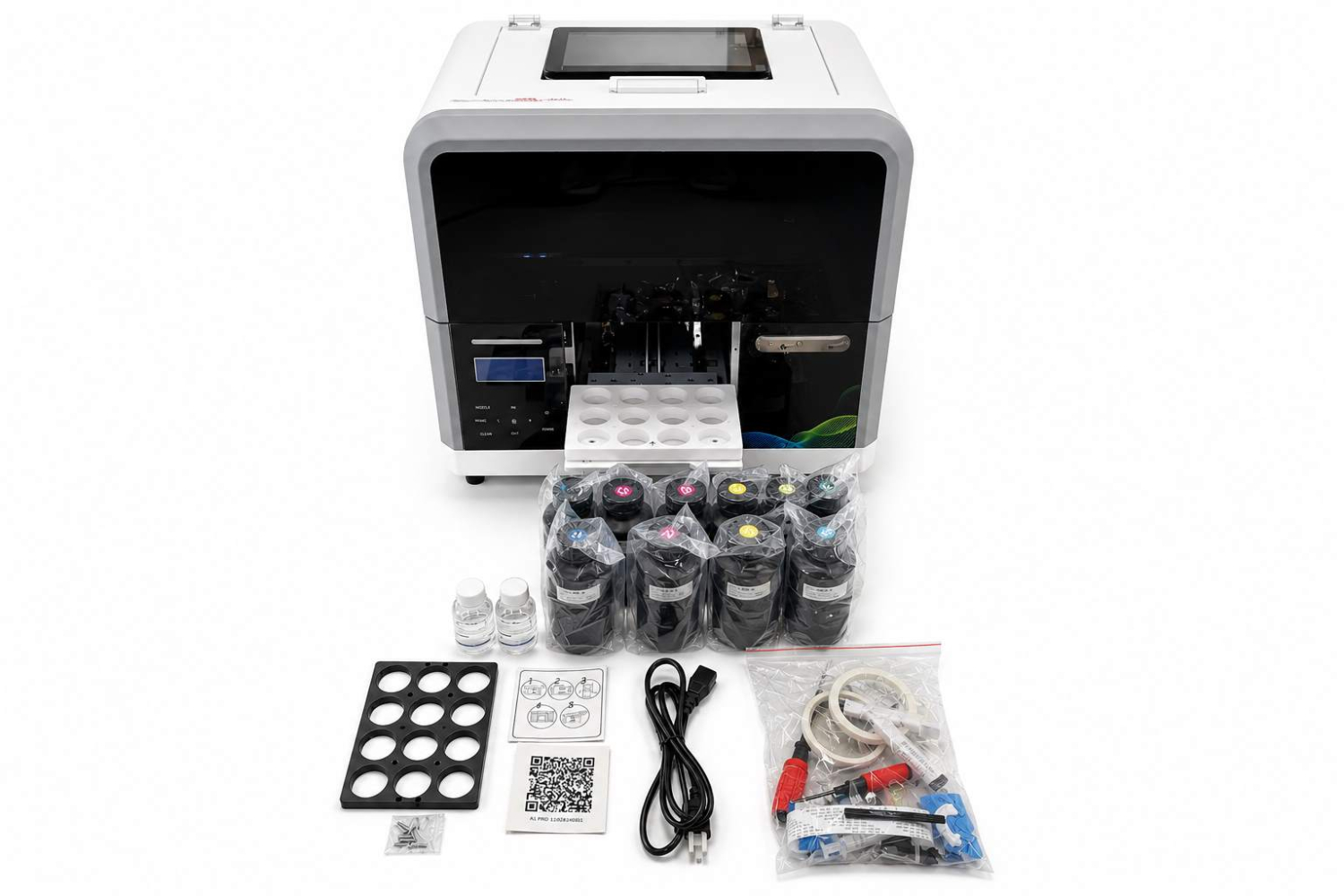
Printer Packing List
- ZP1-A smart uv printer
- CMYK White 5x500ml uv inks x 1set.
- 100ml cleaning liquid.
- 100ml protection liquid.
- Replaceable jigs
- Basic accessories include power line, ethernet cables, dampers, cables, English manual, etc.
Warranty and Technical Support
Inkit provides warranty and after-sales support for the ZP1-A, including remote troubleshooting, operating guidance, diagnostic assistance, and service solutions for eligible covered issues. Warranty coverage and duration are subject to the confirmed order terms.
Our technical team can provide support through email, video calls, remote desktop tools, diagnostic files, and operating instructions. Warranty coverage and duration are subject to the terms confirmed in the applicable quotation, contract, invoice, or warranty document.
Frequently Asked Questions
ZP1-A is developed by Inkit, a smart printing solution brand focused on combining UV printer hardware, intelligent software, and cloud printing technology. We help customization businesses simplify operation and build more efficient printing workflows.
What does each software do, and how are they different?
In simple terms, AI-Pro is for image creation and upload, ColorPark Client is for receiving and confirming print jobs, ColorPark AI Operation Platform is for backend template management, and PrintExp is for professional print parameter control.
- ColorPark AI-Pro is our newly developed H5 mobile app. It allows users to edit images, create custom designs, and upload print files to the cloud.
- ColorPark Client runs on the printer side. It receives images sent from AI-Pro through the cloud and allows the operator to review and confirm print jobs.
- ColorPark AI Operation Platform is the backend management system used to manage AI templates and related content.
- Hosonsoft PrintExp is the printing software from Hosonsoft. It is used to precisely adjust printing parameters and control the printing process. It works together with the Hoson mainboard installed in the printer.
Can the software be customized?
Yes. The ColorPark AI-Pro workflow can be customized. For example, if your business only prints fridge magnets, the interface can show only fridge magnet options.
How is it different from the GF1 and PC1?
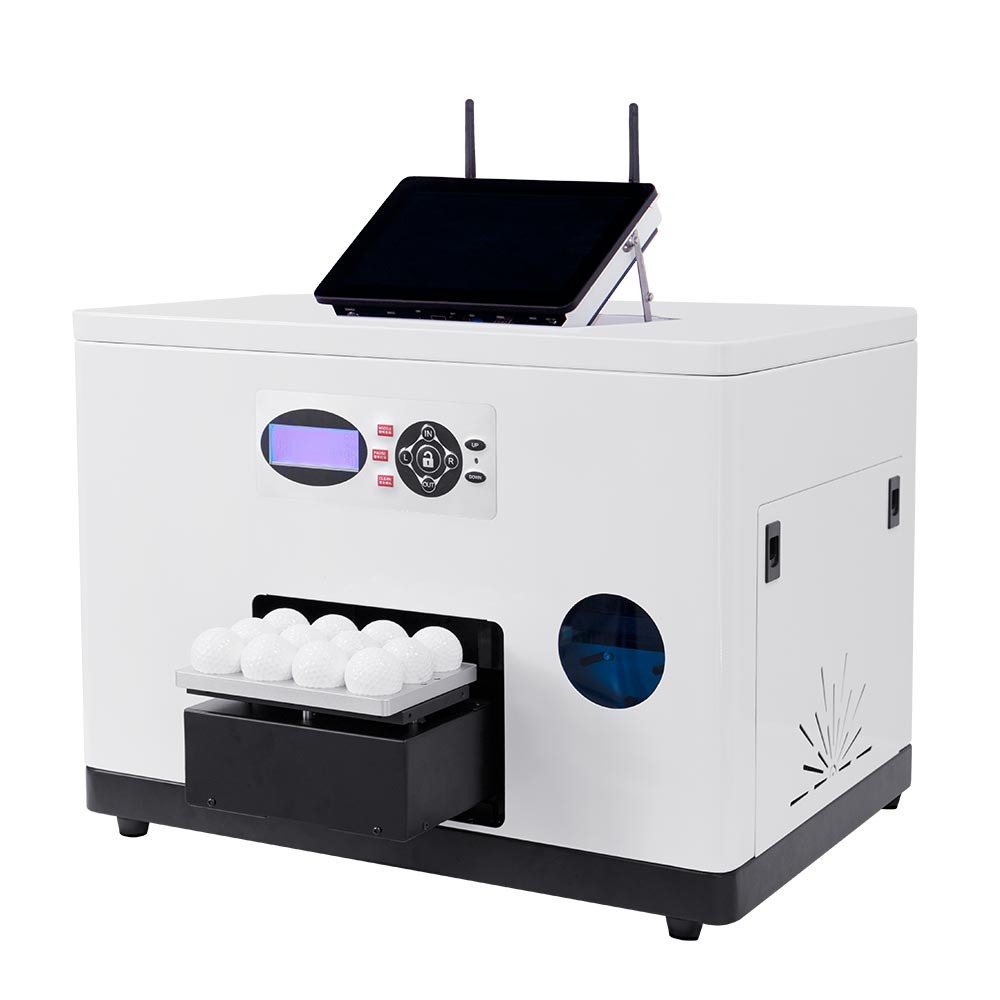
The GF1 and PC1 are designed for specific products: the GF1 is used for golf ball printing, while the PC1 is designed for phone case printing. The ZP1A Smart UV Printer supports replaceable jigs, and we can customize different jigs based on your actual printing needs. This allows one printer to handle multiple types of products and gives you more flexibility for different customization applications.
What is the difference between the ZP1A and ZZ2E?
The main differences are the printing size and printhead configuration. The ZP1A has a printing area of 200 × 168 mm. Its compact design makes it suitable for retail stores, gift shops, and other spaces where a small footprint is important.
The ZZ2E offers a larger printing area of 320 × 550 mm, allowing it to print larger products and more items in a single batch. This makes it especially suitable for small-batch customization and multi-product UV printing.
The ZZ2E comes standard with two Epson F1080 printheads, enabling attractive varnish and embossed effects. The ZP1A comes standard with one Epson F1080 printhead, with a simpler operating workflow that is well suited for fast, on-demand customization.
Get a Custom Printing Solution Proposal in 24 hours
Tell us your target product, business model, and integration needs. Our team will recommend the right printer, software workflow, and customization solution for your project.
Contact
GuangDong Easy-Print Technology Co., Ltd.
- Address 9F, Building E25, Tian'an Shenchuang Valley, Fenggang Town, Dongguan 523703, China
- Contact Shangguan Hanwen
- Email info@easyinkit.com
- Phone +86 17322370991