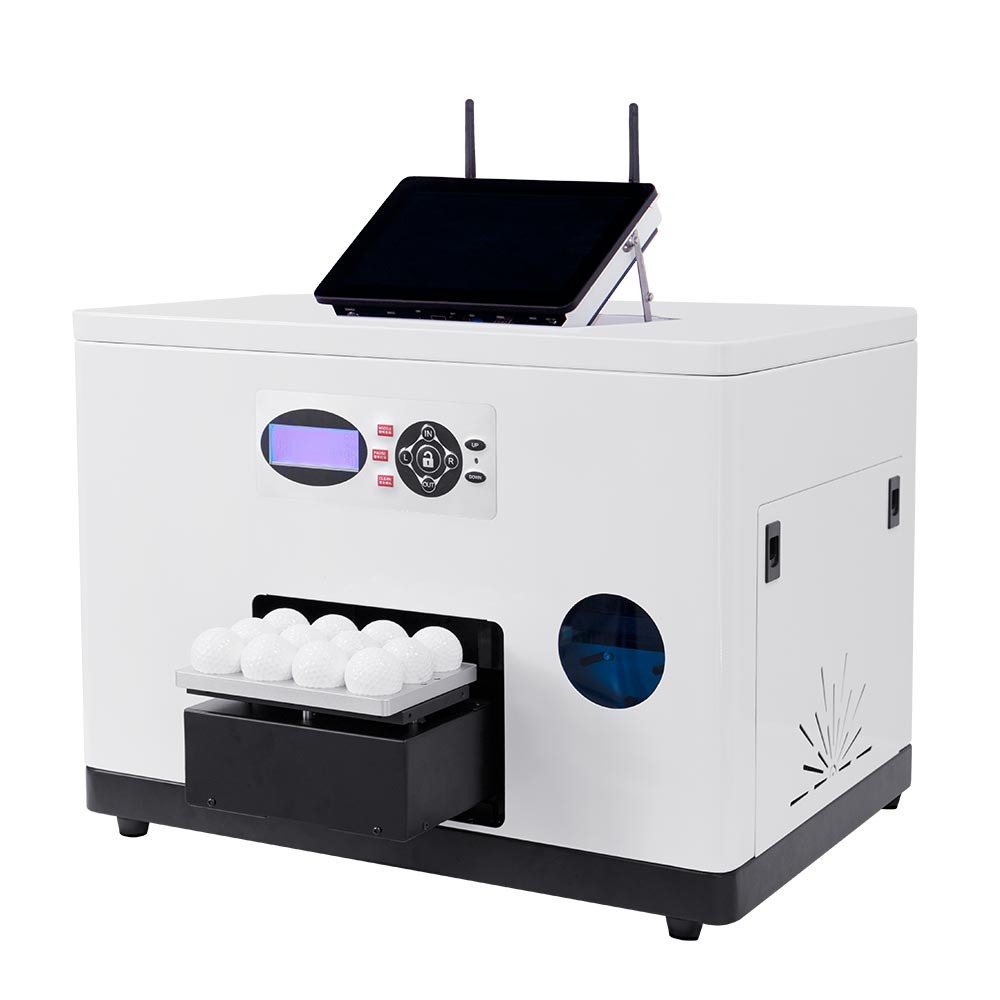
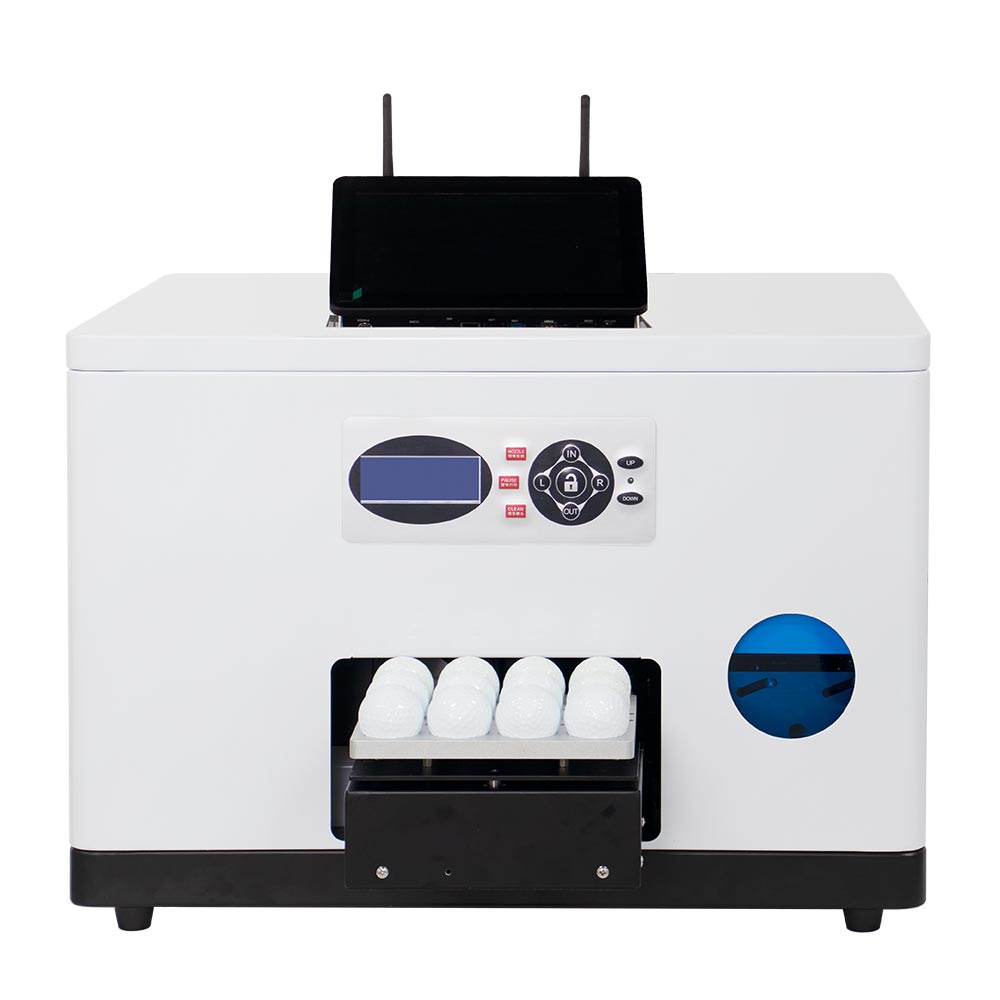
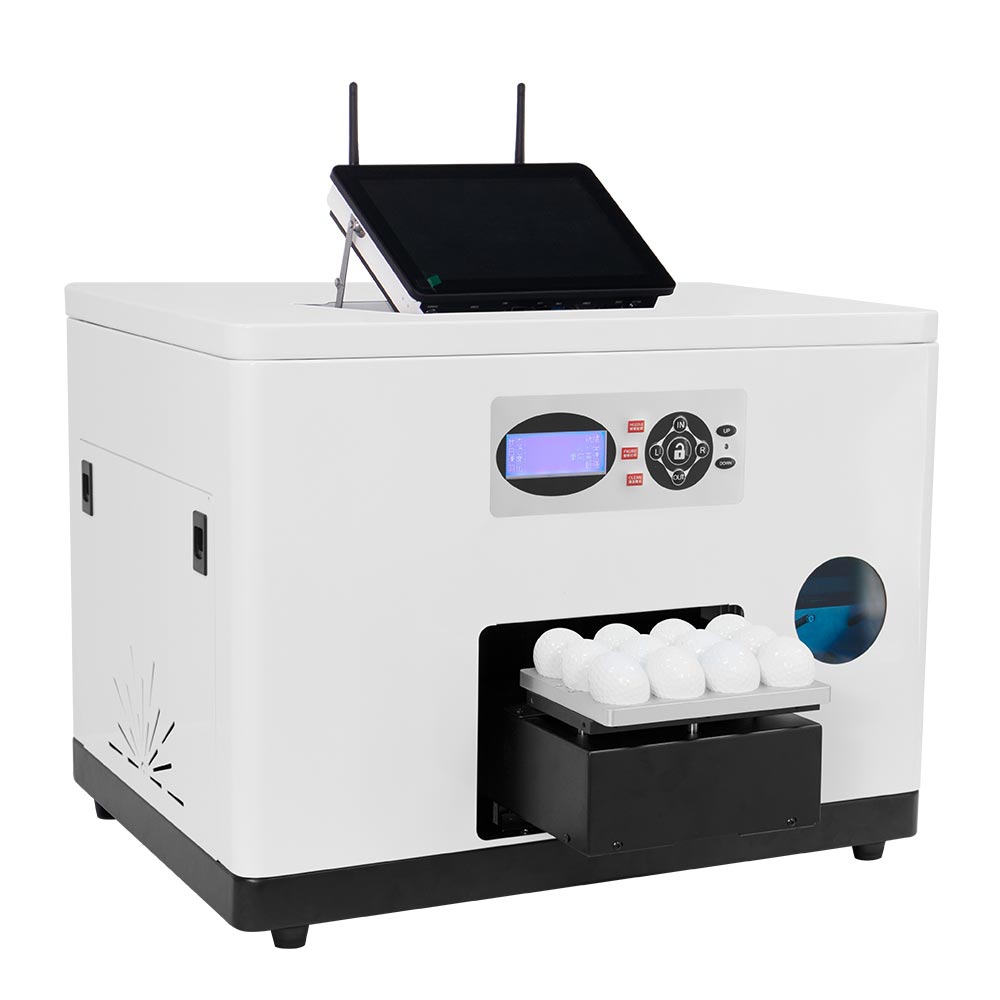
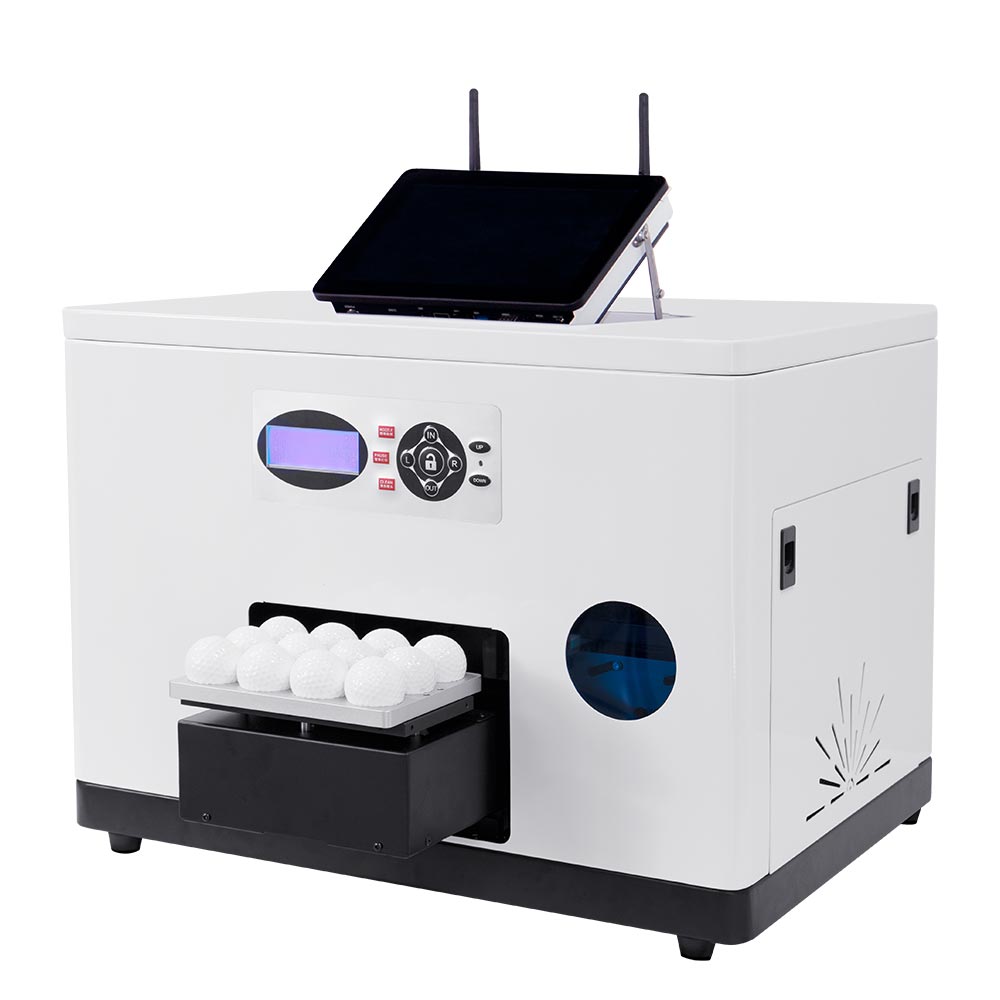
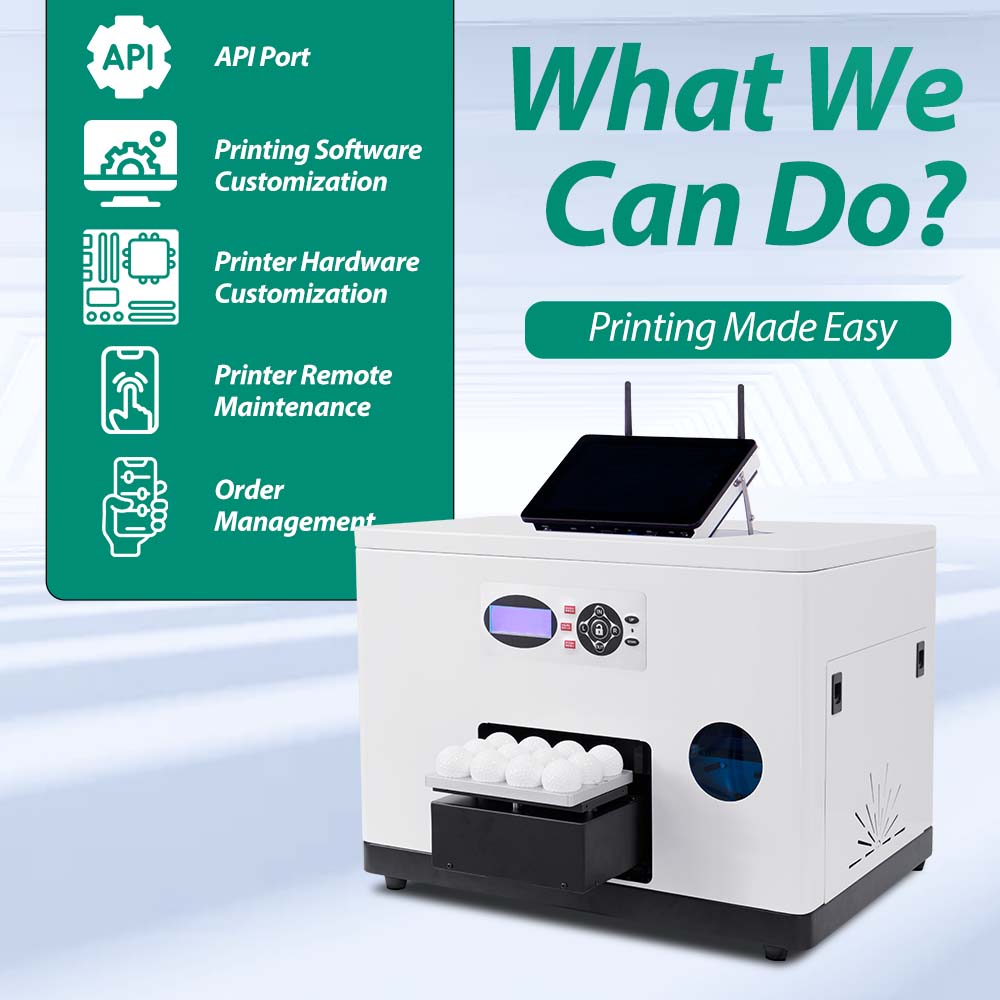
GF1 Smart UV Golf Ball Printer
Print 12 standard golf balls in about 2-3 minutes
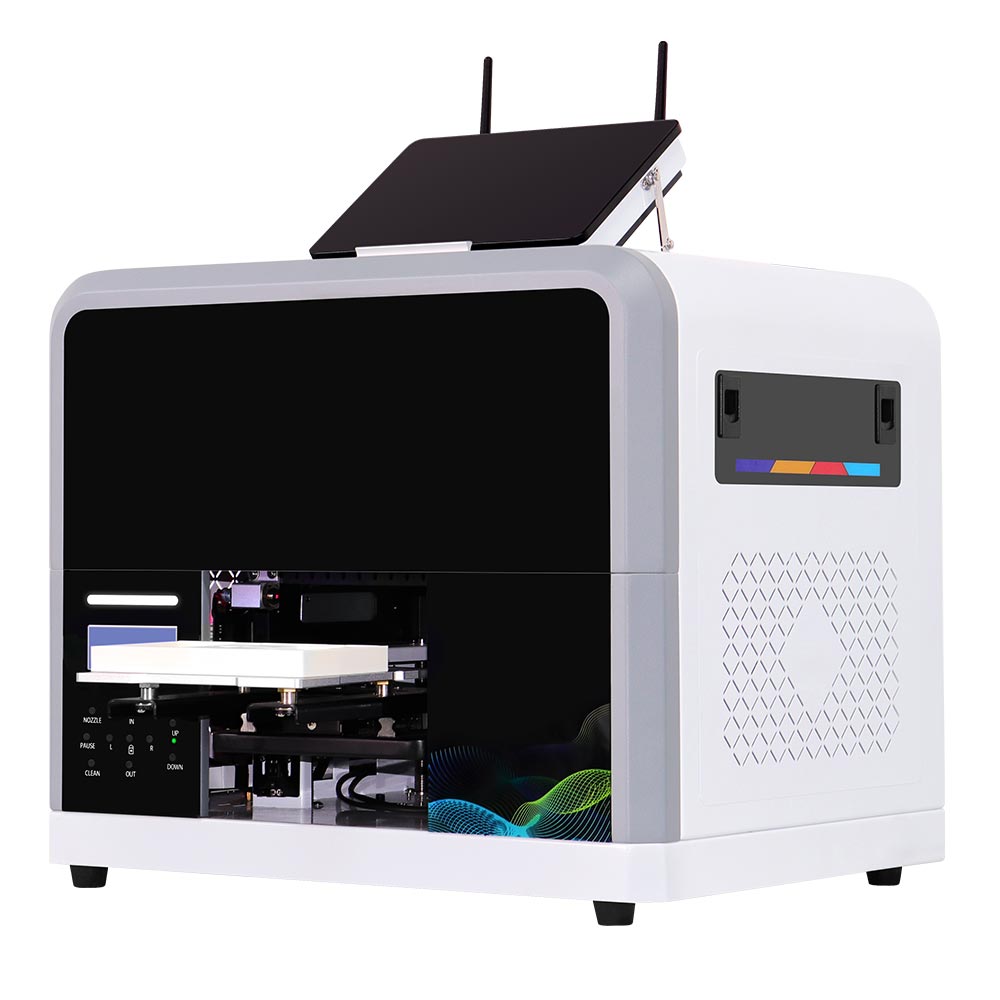
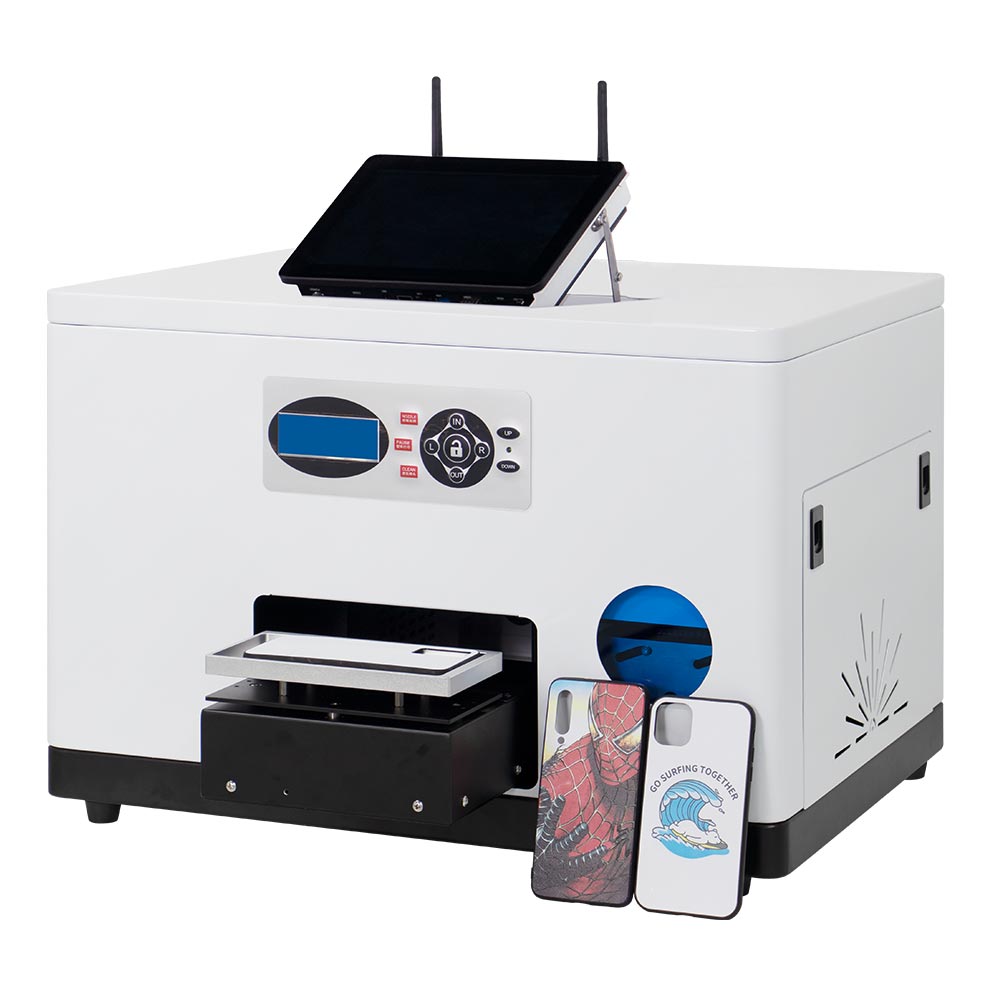
The Inkit GF1 Smart UV Golf Ball Printer is designed for golf shops, clubs, events, promotional gift suppliers, and online customization businesses that need a compact, easy-to-operate solution for on-demand golf ball printing.
A dedicated 12-ball jig, mobile artwork upload, a built-in Mini PC, and direct UV LED printing help operators turn standard golf balls into personalized products with logos, names, photos, or event graphics—without relying on Photoshop for routine customer orders.
Key Features
Print 12 Golf Balls in One Batch
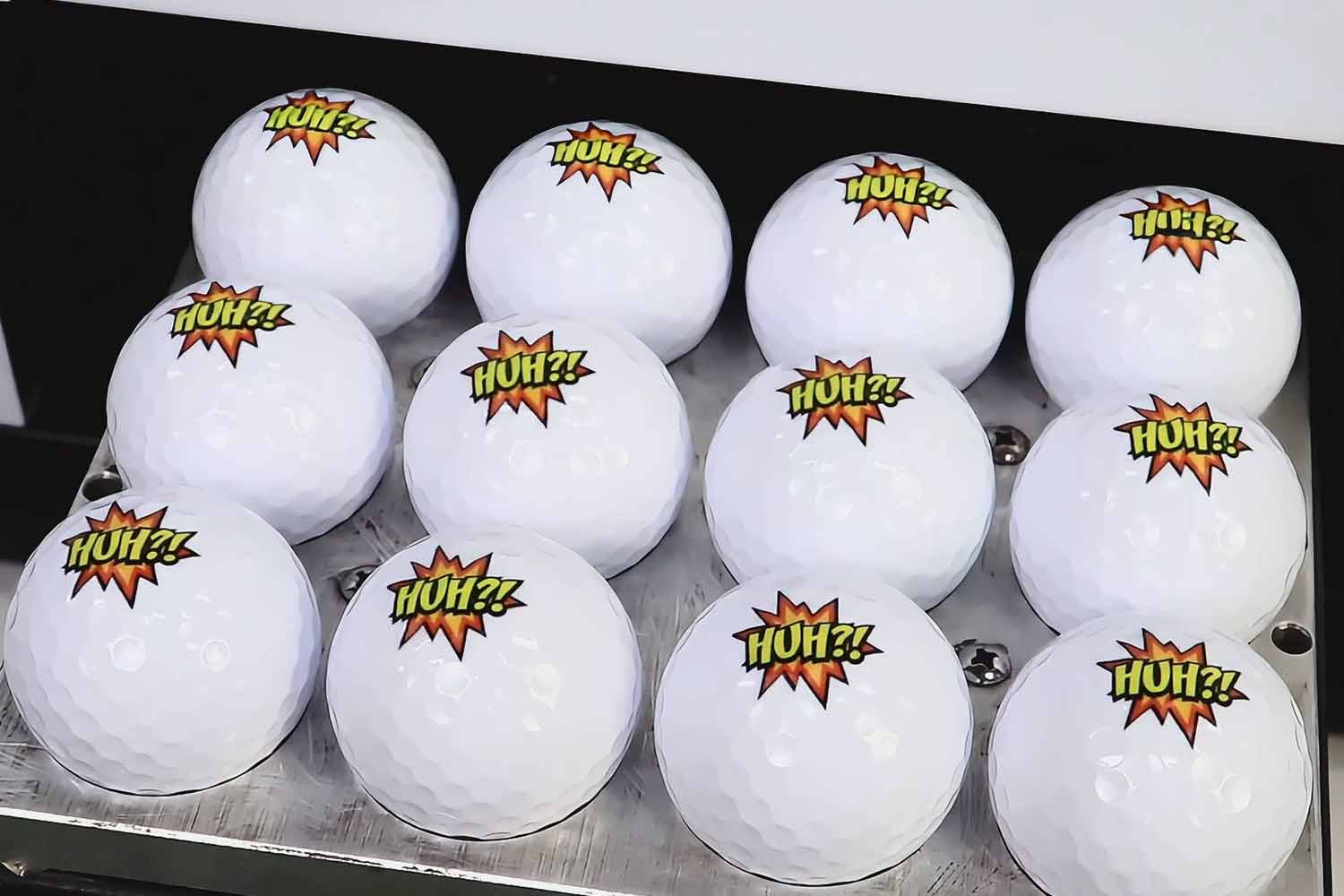
The dedicated golf ball holder secures 12 standard golf balls for batch printing. A complete pass takes about 2-3 minutes, helping stores and event operators handle small-batch and on-demand orders more efficiently.
Mobile DIY Artwork Without Photoshop
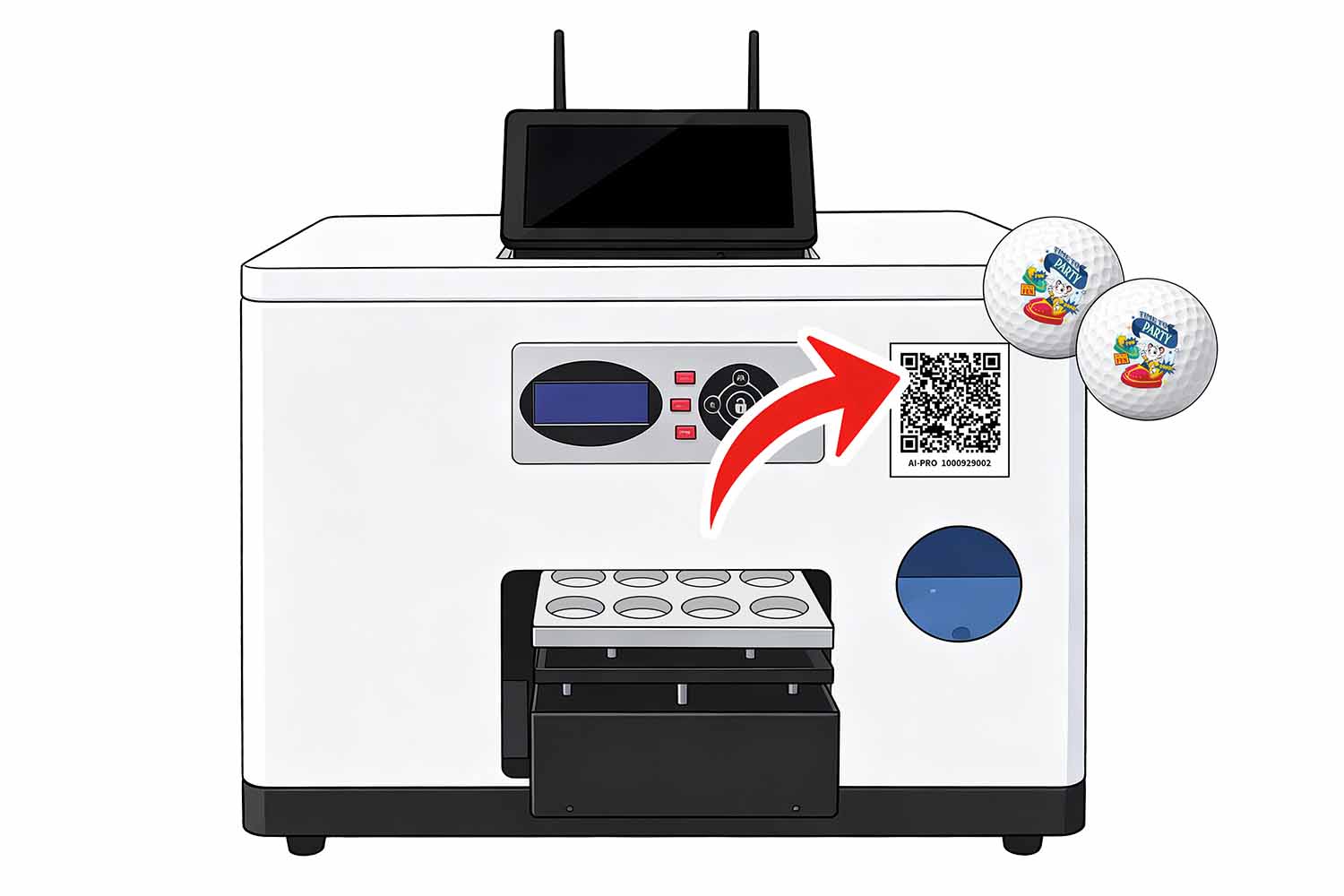
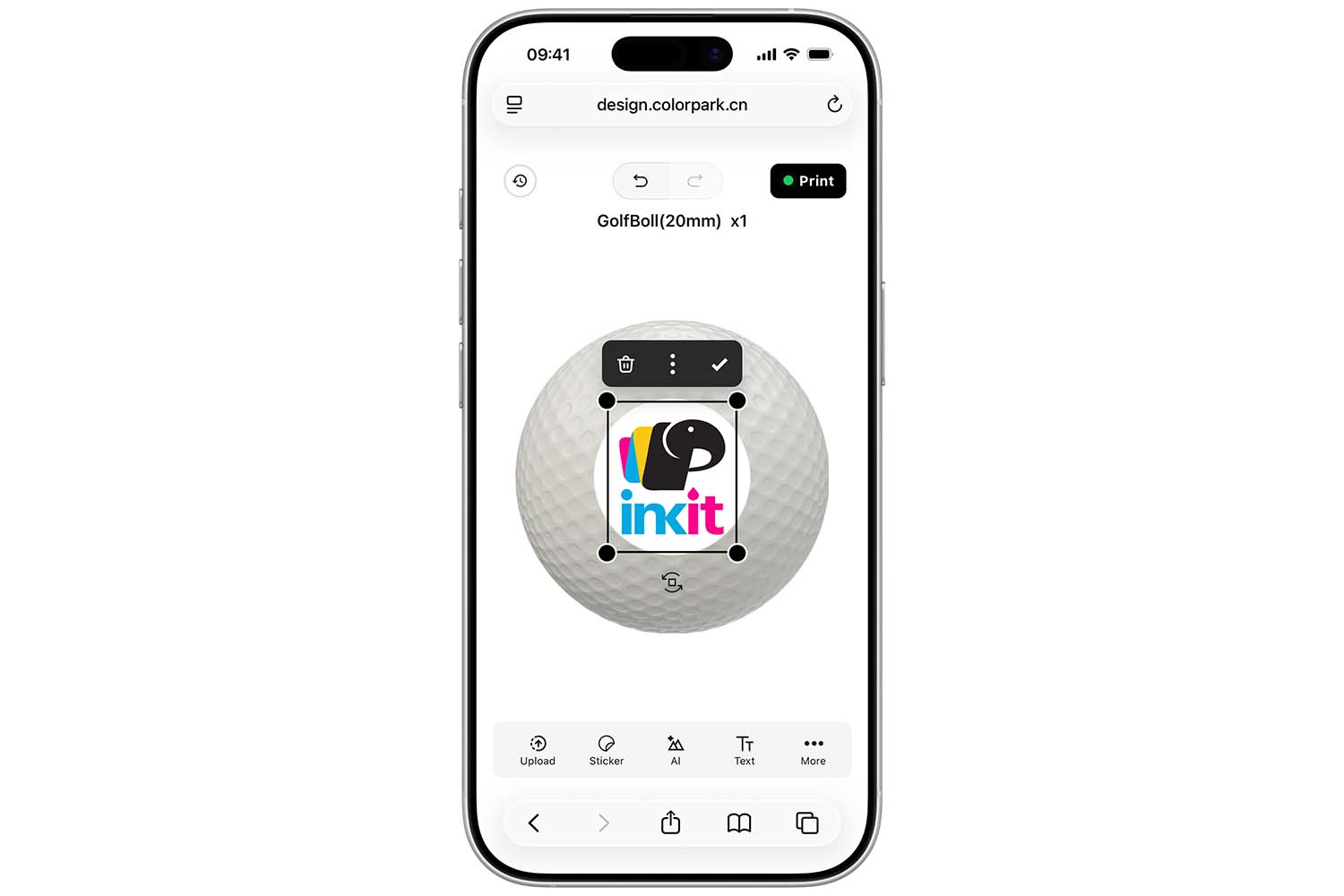
Customers or staff can scan a QR code, upload an image, edit text, and adjust the graphic size and position through the ColorPark AI-Pro mobile printing app. Routine personalization can be completed without professional design software.
Built-in Mini PC, No Extra Computer Needed
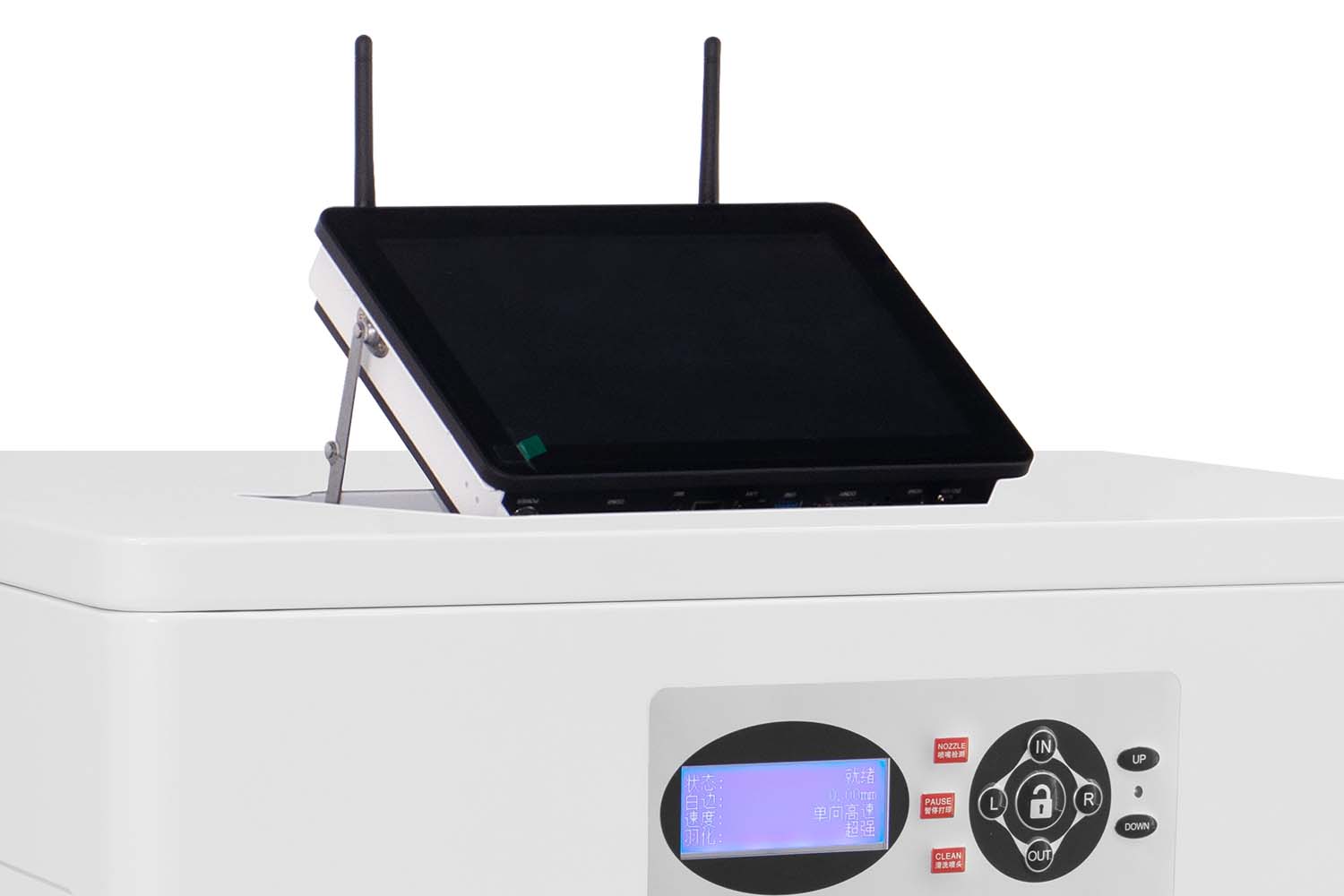
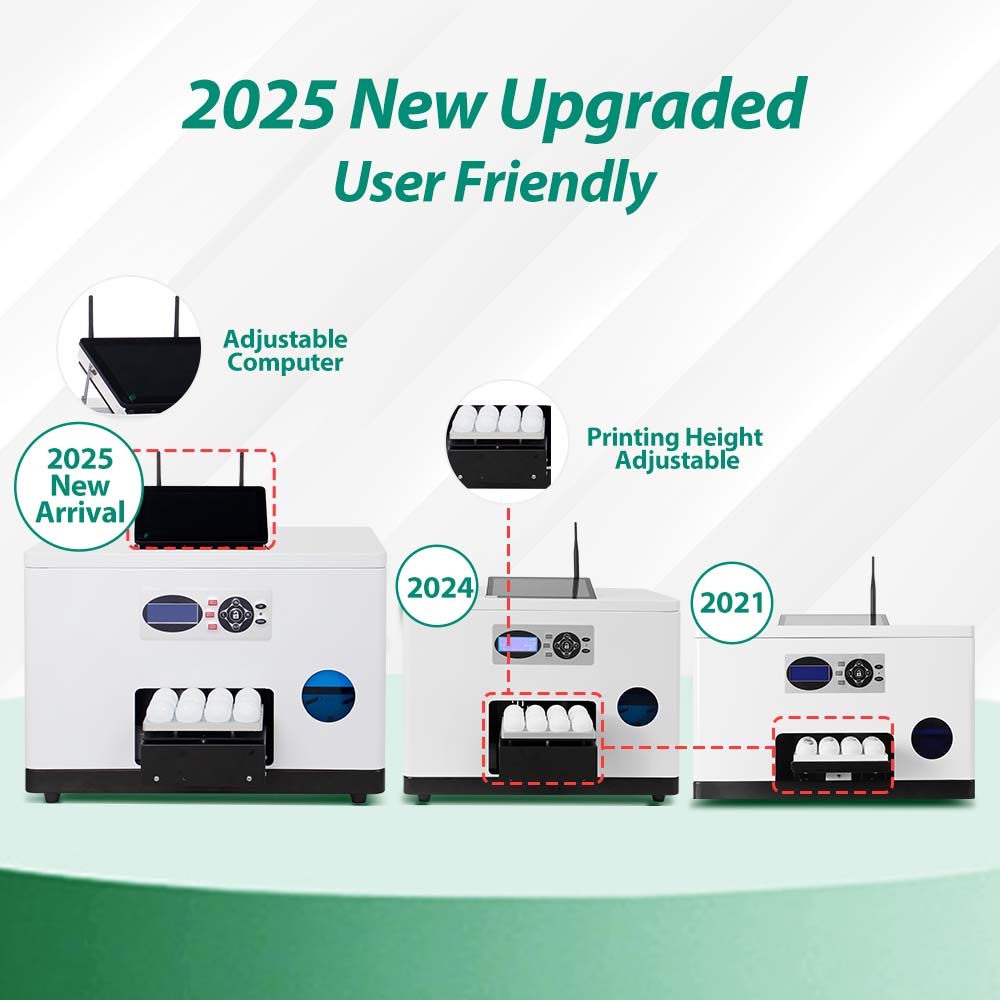
The integrated Mini PC runs the printing workflow and reduces the need for an external computer, making GF1 easier to deploy on retail counters, in golf clubs, or at temporary event booths.
Direct CMYK UV LED Printing
GF1 prints directly on standard golf balls with CMYK UV ink. The UV LED system cures the ink immediately, producing clear logos, text, photos, and colorful event graphics.
Resolution Up to 2160 × 720 dpi
The high-resolution print mode supports detailed artwork and legible small graphics, helping customized golf balls look clean and professional.
Compact 35 kg Design for Commercial Spaces
With a printer size of 60 × 47 × 38 cm, GF1 can fit into golf shops, sports retail stores, gift counters, online production rooms, and mobile event environments where space is limited.
GF1 Smart GOLF BALL PRINTER PRODUCT DETAILS
Technical Specifications
Review the key technical details of the GF1 golf ball printer, including printing performance, ink configuration, supported printable products , software, machine dimensions, and daily operating requirements.
| Item | Specification |
|---|---|
| Product Name | GF1 Smart UV Golf Ball Printer |
| Model | GF1 |
| Batch Capacity | 12 standard golf balls |
| Printing Size | 18.5 × 14 cm |
| Printing Technology | UV LED direct printing |
| Printing Speed | 2-3mins/12pcs golf balls |
| Ink System | CMYK UV ink,white ink is optional. |
| Application | Standard golf balls |
| Printing Mode | 8pass / 12 pass / 16pass |
| Printing Resolution | Up to 2160 × 720 dpi |
| Printhead | Epson F1080 piezoelectric printhead, Made in Japan |
| Interface | Internet |
| Software | Hosonsoft PrintExp, ColorPark AI-Pro and ColorPark Client |
| UV Lamp Life | Up to 50,000 working hours |
| Estimated Ink Cost | Approx. USD 0.006 per golf ball; actual use varies by artwork and settings |
| Printer Size | 60 × 47 × 38 cm |
| Printer Weight | 35 kg |
How to Use the GF1 Golf Ball Printer
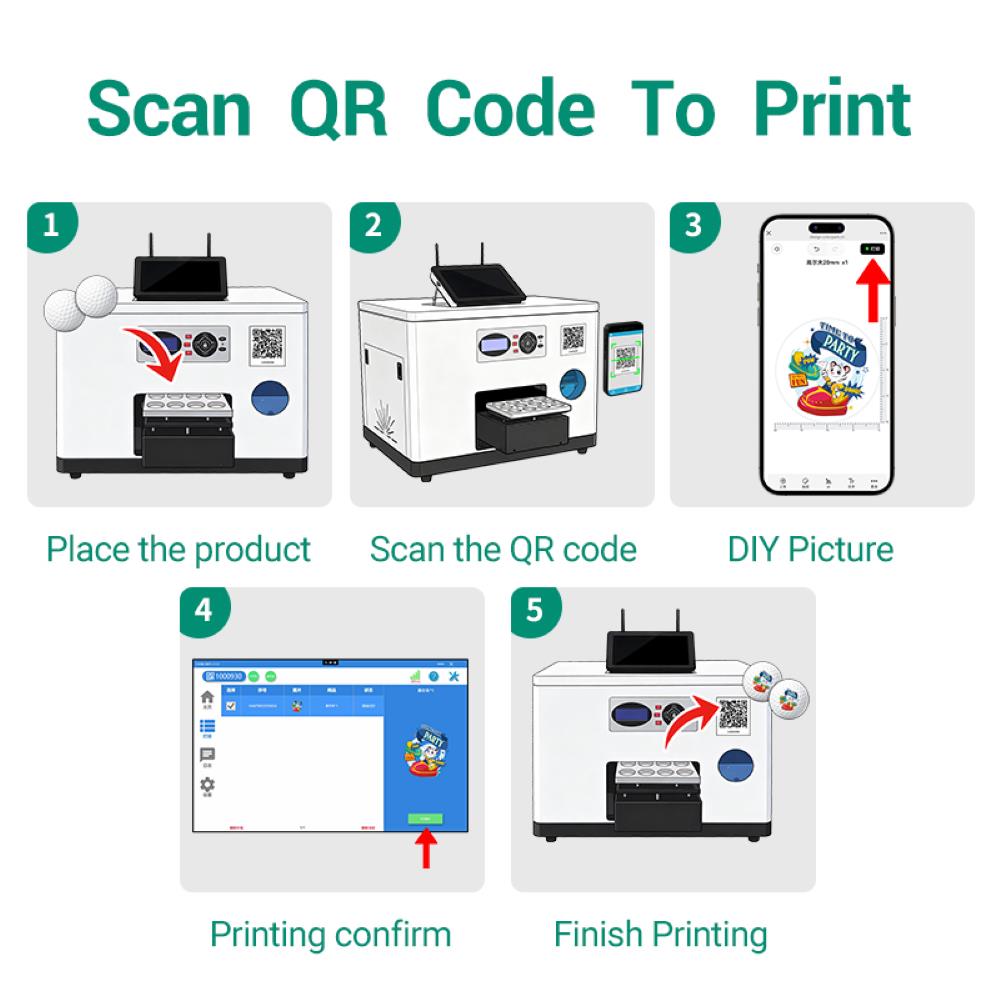
From mobile artwork upload to finished golf balls, GF1 simplifies personalization into a clear four-step workflow.
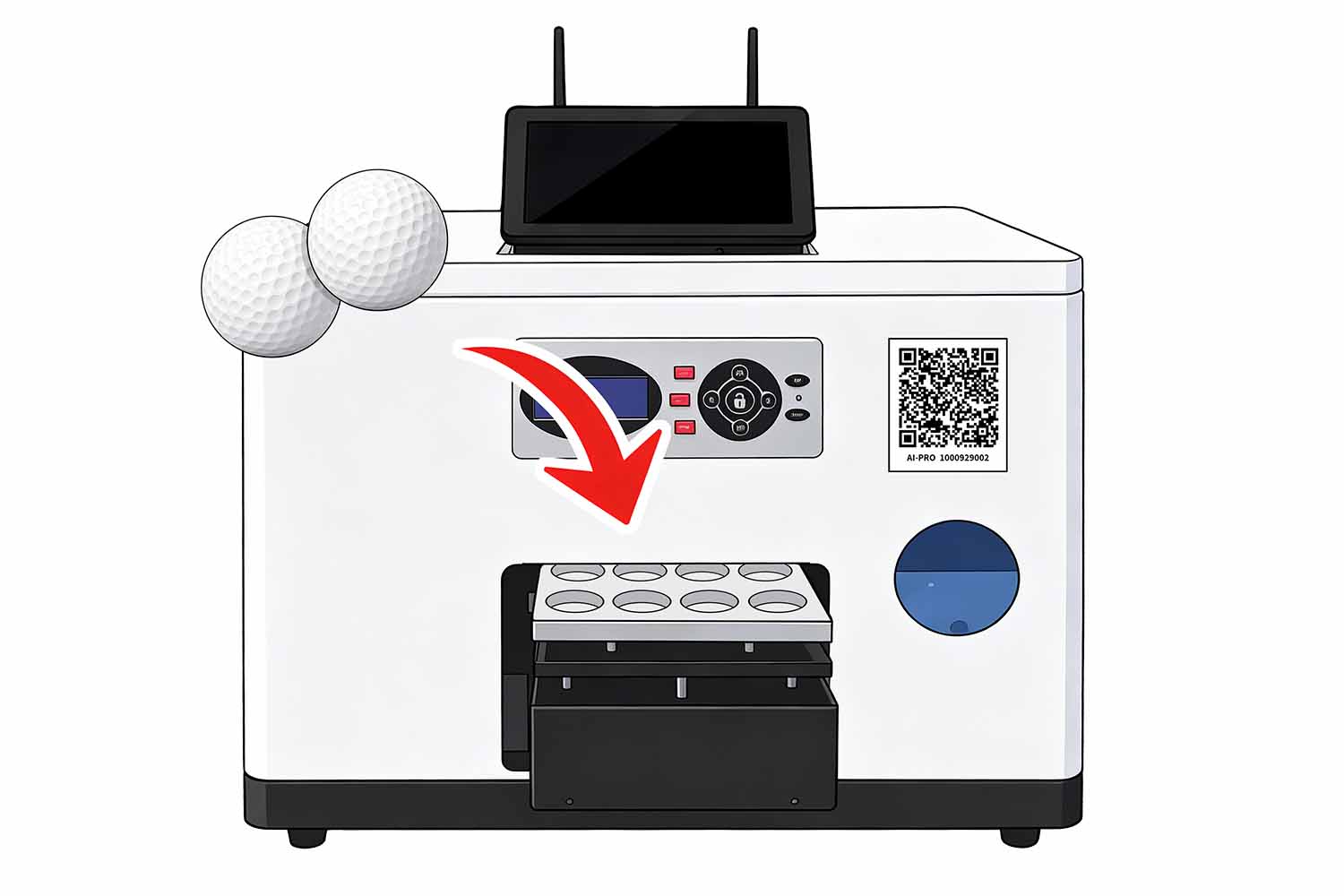
Load the Golf Balls
Power on GF1, confirm that the built-in Mini PC,ColorPark client and Hosonsoft PrintExp are running, and place 12 blank golf balls securely in the dedicated holder.
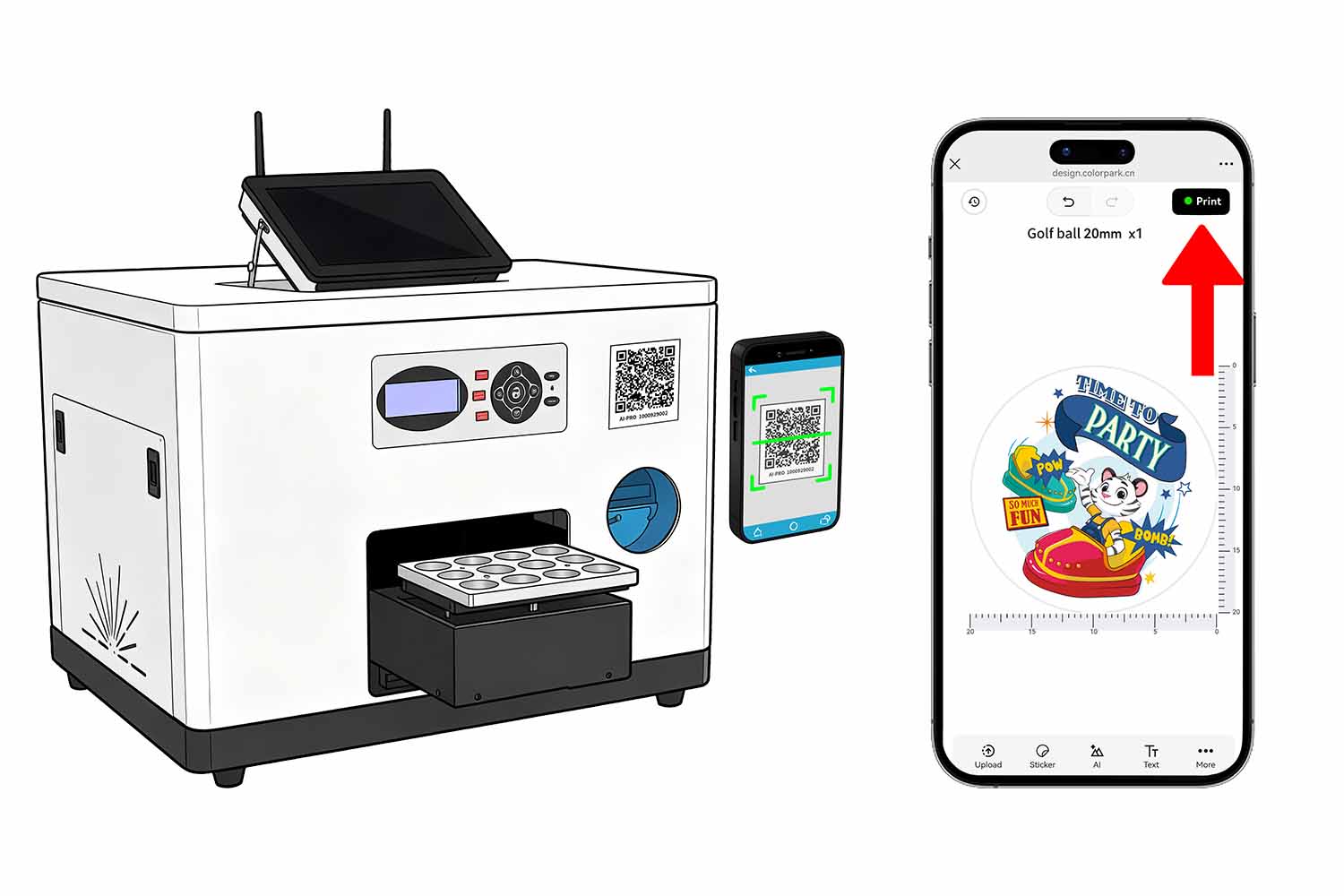
Upload or Create the Design
Scan the QR code to open ColorPark AI-Pro, then upload an image, add text, and adjust the artwork size and position from a mobile device.
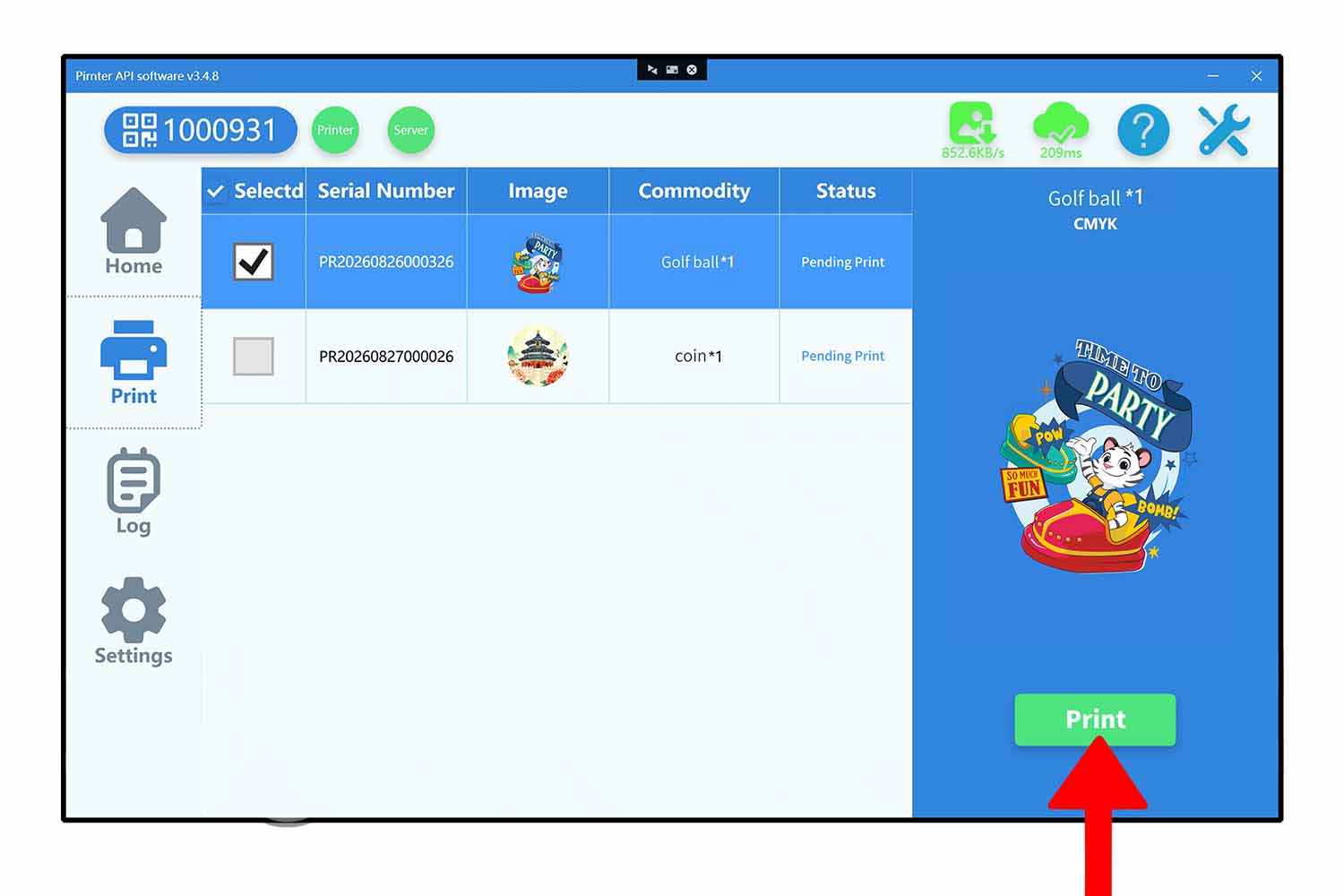
Preview and Submit the Order
Check the artwork placement, submit the order, and send the print task to the ColorPark Client through the cloud printing workflow.
Print and Collect
Start printing from the ColorPark client . GF1 prints and cures the artwork directly. One pass of 12 golf balls takes about 2-3 minutes, depending on the artwork and settings.
Mobile DIY Printing Without Photoshop
Designed specifically for golf ball printing workflows, GF1 supports mobile DIY operation without the need for Photoshop or complex design software.
With GF1, you can upload and edit graphics directly from your mobile device using the ColorPark AI-Pro mobile printing app. You can upload images, edit text, adjust size, and change the printing position easily.
This workflow reduces your dependence on Photoshop and professional designers. Whether you run a retail store or an event booth, you can receive customer designs faster and send print tasks more efficiently.
Built-in Mini PC for Easier Operation
GF1 comes with a built-in Mini PC, so you don’t need an external computer during operation. Combined with the cloud printing system, you can submit orders through ColorPark AI-Pro mobile app, generate tasks automatically, and connect seamlessly with local or internet-based ColorPark Clients.
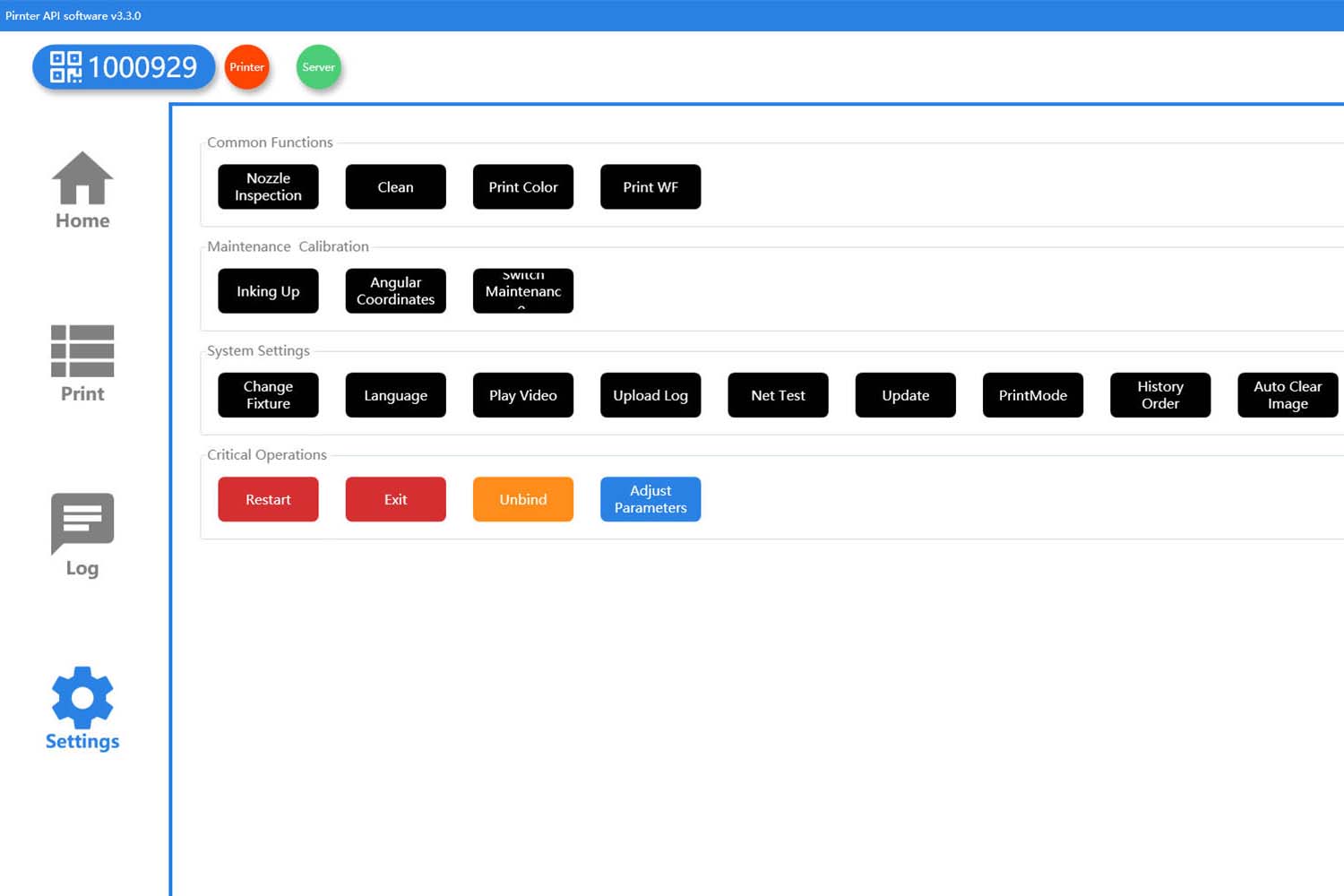
You can use the Hosonsoft PrintExp to set positioning, configure inkjet modes, and manage tasks in real time. This integrated setup makes your operation more efficient, especially in shops, malls, golf clubs, and mobile event environments where space is limited.
Print 12 Golf Balls in 2-3 Minutes
GF1 is equipped with a dedicated golf ball jig that allows you to print 12 standard golf balls at once. You simply place the blank golf balls on the holder, upload or edit your design, send the print task, and collect the finished products. Each batch of 12 balls takes only 2–3 minutes to complete. It is ideal for your small-batch customization, on-demand orders, golf club events, corporate gifts, tournament souvenirs, and retail personalization services.
Easy Maintenance for Daily Use
For daily operation, GF1 supports one-key cleaning, nozzle check, and pause functions. These features help maintain printhead performance, and ensure stable print quality. The simple one-key cleaning allows easy maintenance, while nozzle check ensures accurate color output and pause functions provide better control during printing.
The UV lamp offers up to 50,000 hours of lifespan, reducing replacement frequency and maintenance costs. It also ensures stable curing, delivering strong adhesion and long-lasting print results.
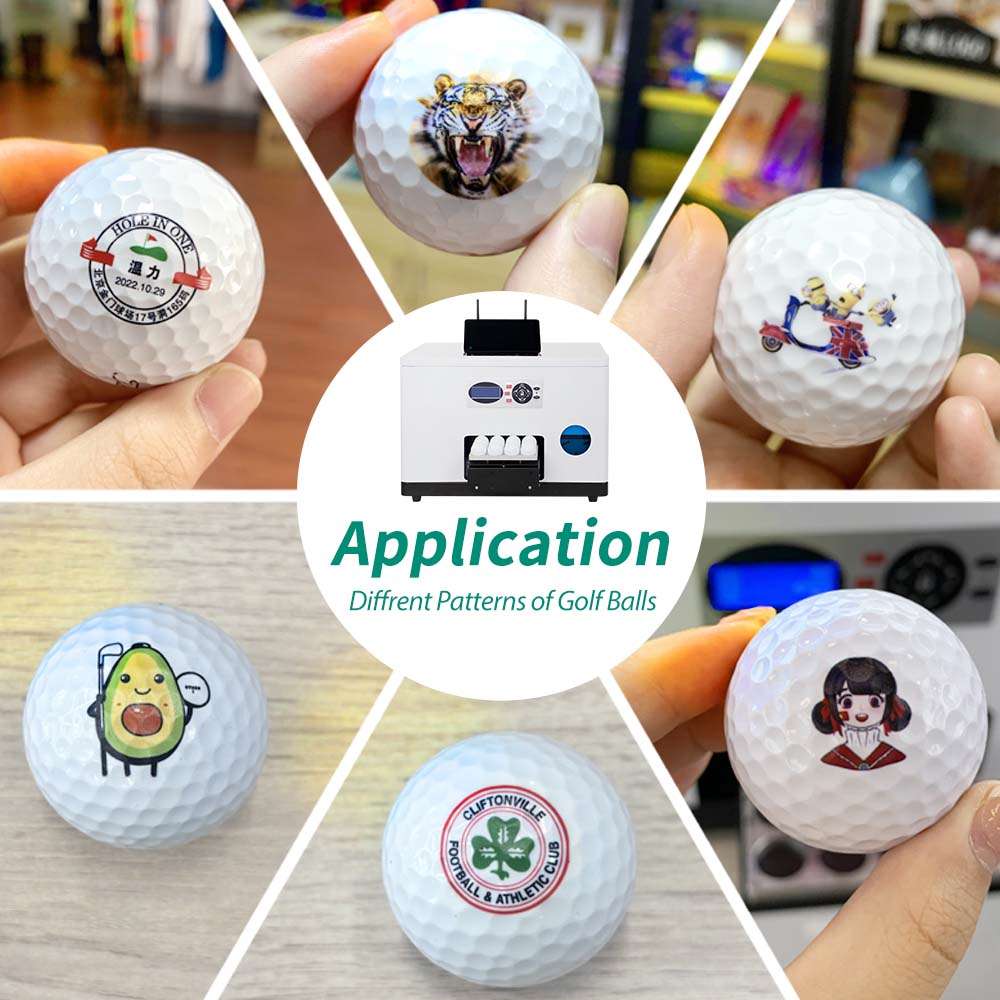
Applications
- Golf Shops and Pro Shops
- Golf Clubs and Driving Ranges
- Golf Tournaments and Events
- Online Customization and E-Commerce Orders
- Sports Retail Stores and Gift Counters
- Mobile Event Booths and Temporary Retail Spaces
- Golf Academies and Training Programs
- Hotels, Resorts, and Golf Destinations
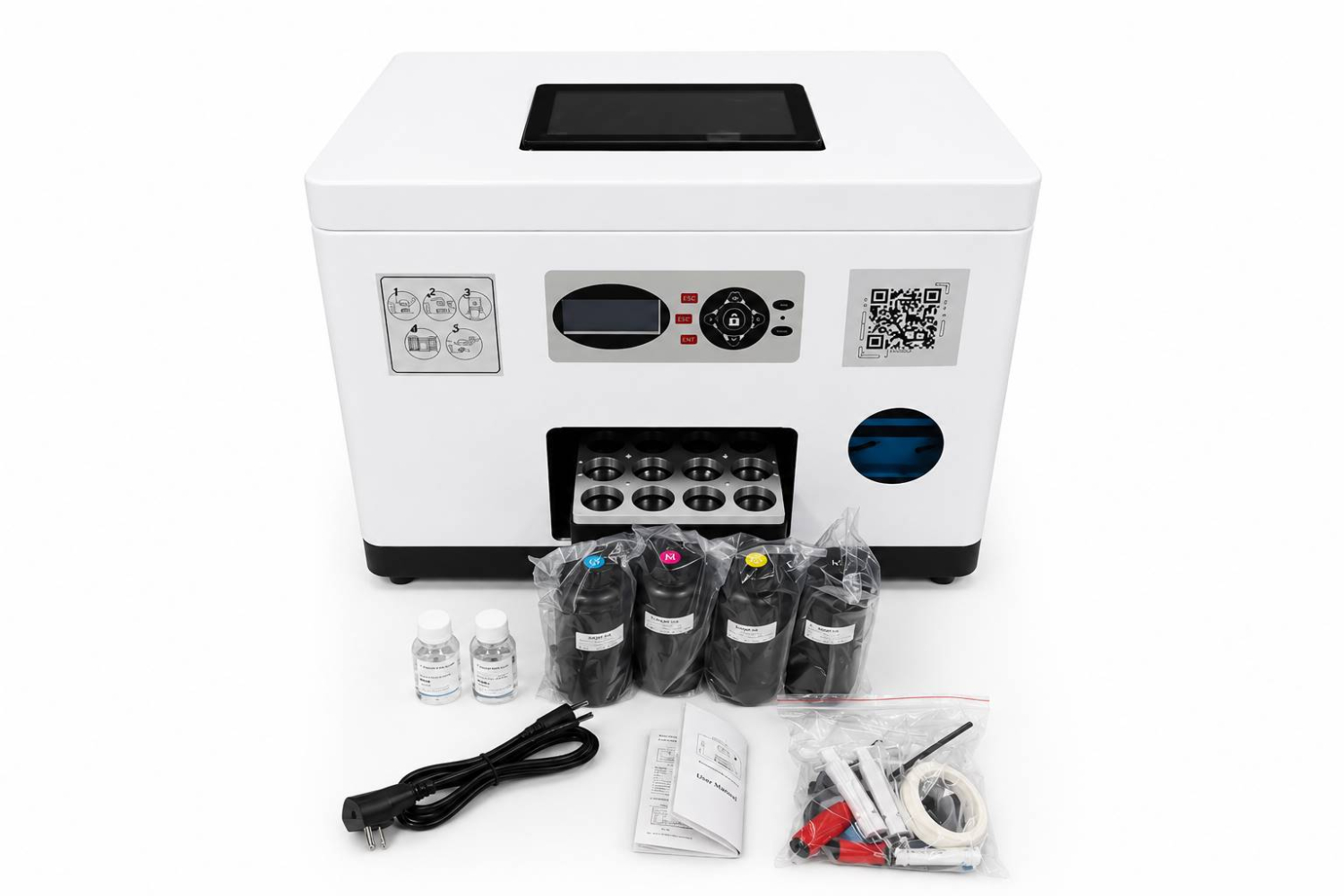
GF1 Golf Ball Printer Packing List
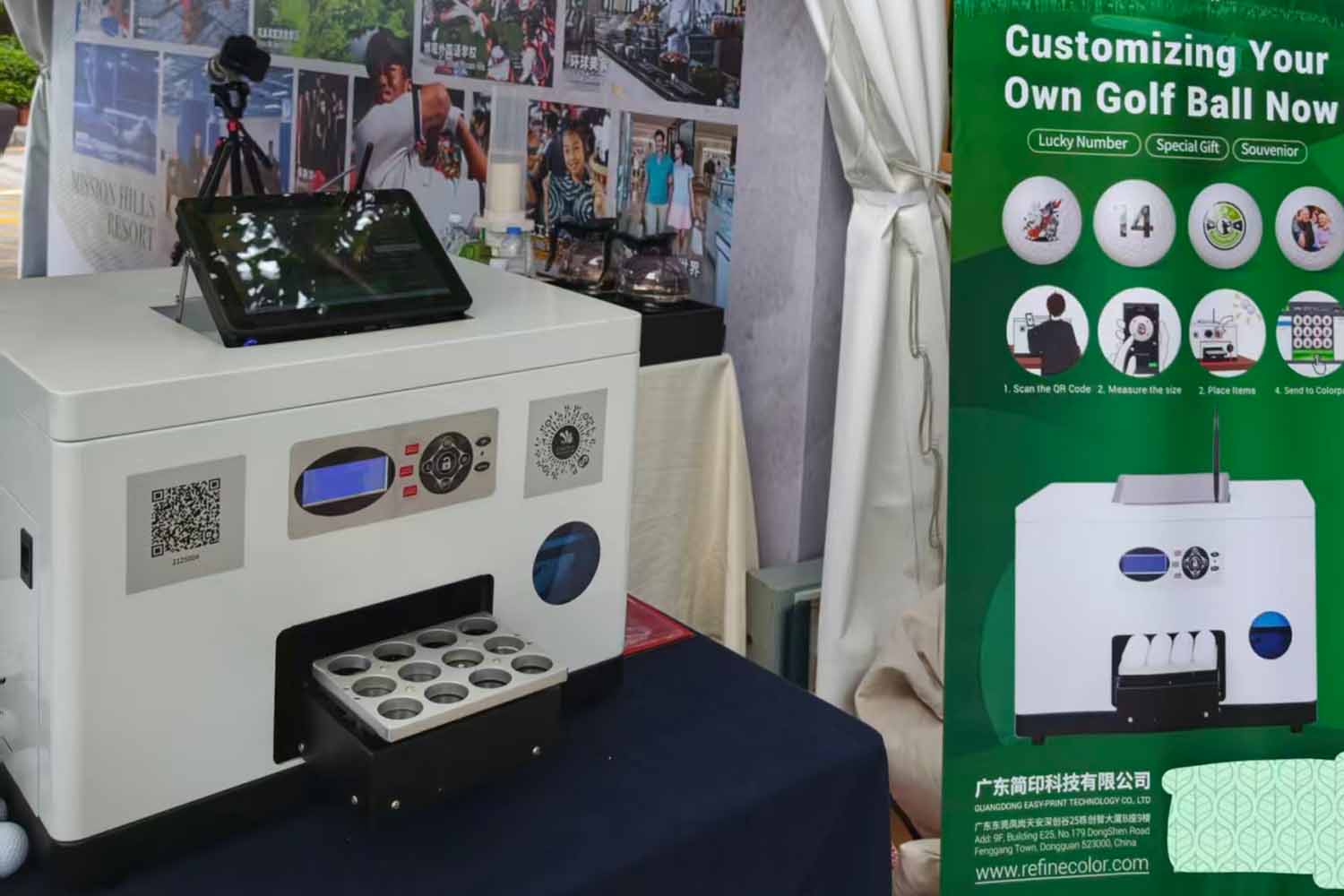
- GF1 golf ball printer
- CMYK 4x500ml uv inks x 1set.
- 100ml cleaning liquid.
- 100ml protection liquid.
- Basic accessories include Power line, Ethernet Cables, Dampers, cables, English manual, etc.
Warranty and Technical Support
Inkit provides warranty and after-sales support for GF1, including remote troubleshooting, operating guidance, print setup assistance, and service solutions for eligible covered issues. Warranty coverage and duration are subject to the confirmed order terms.
Frequently Asked Questions
GF1 is developed for businesses that need a compact, mobile-friendly workflow for personalized golf ball printing.
What is the cost of the ink?
If the printer uses the CMYKW printing mode, one set of CMYKW ink costs US$125 and can typically print around 20,000 golf balls. This brings the ink cost to approximately US$0.006 per golf ball.
Why is white ink optional?
Most customers print on white golf balls, so white UV ink is usually not necessary. However, if you are printing on colored golf balls, white UV ink is recommended.
In this case, the printer uses a CMYKW printing mode, printing a layer of white ink before printing the color ink. During actual printing, the white and color inks are printed in the same pass. The white underbase helps improve color visibility and makes the printed design appear brighter and more vivid on colored golf balls.
Can this printer print on other types of balls?
Yes, but we recommend sending us samples for testing first. Different balls may vary in material, size, which can affect ink adhesion and overall print quality. Sample testing helps us confirm whether the printer is suitable for your specific ball printing application.You can also use our ZZ2E Smart UV Printer or ZZ2C UV Printer with specially designed jigs for ball printing. These printers can accommodate larger ball sizes and print more balls in a single batch.
Can the GF1 print complex designs on golf balls?
The GF1 golf ball printer has a standard printable area of approximately 21 mm (0.83 in) in diameter on each golf ball. In high-drop printing mode, the printable area can reach approximately 25 mm (0.98 in) in diameter.
For more complex golf ball designs, may need to be printed multiple times. If you want to print wraparound designs around the golf ball, we also offer a rotary golf ball printer designed for this type of printing.
Which Colorpark mobile app languages are available?
The ColorPark mobile app supports English, Japanese, German, Indonesian, Turkish, and Spanish. If your preferred language is not listed, we also offer free language customization. Depending on your specific requirements, customization typically takes one week or longer.
Get a Custom Printing Solution Proposal in 24 hours
Tell us your target product, business model, and integration needs. Our team will recommend the right printer, software workflow, and customization solution for your project.
Contact
GuangDong Easy-Print Technology Co., Ltd.
- Address 9F, Building E25, Tian'an Shenchuang Valley, Fenggang Town, Dongguan 523703, China
- Contact Shangguan Hanwen
- Email info@easyinkit.com
- Phone +86 17322370991