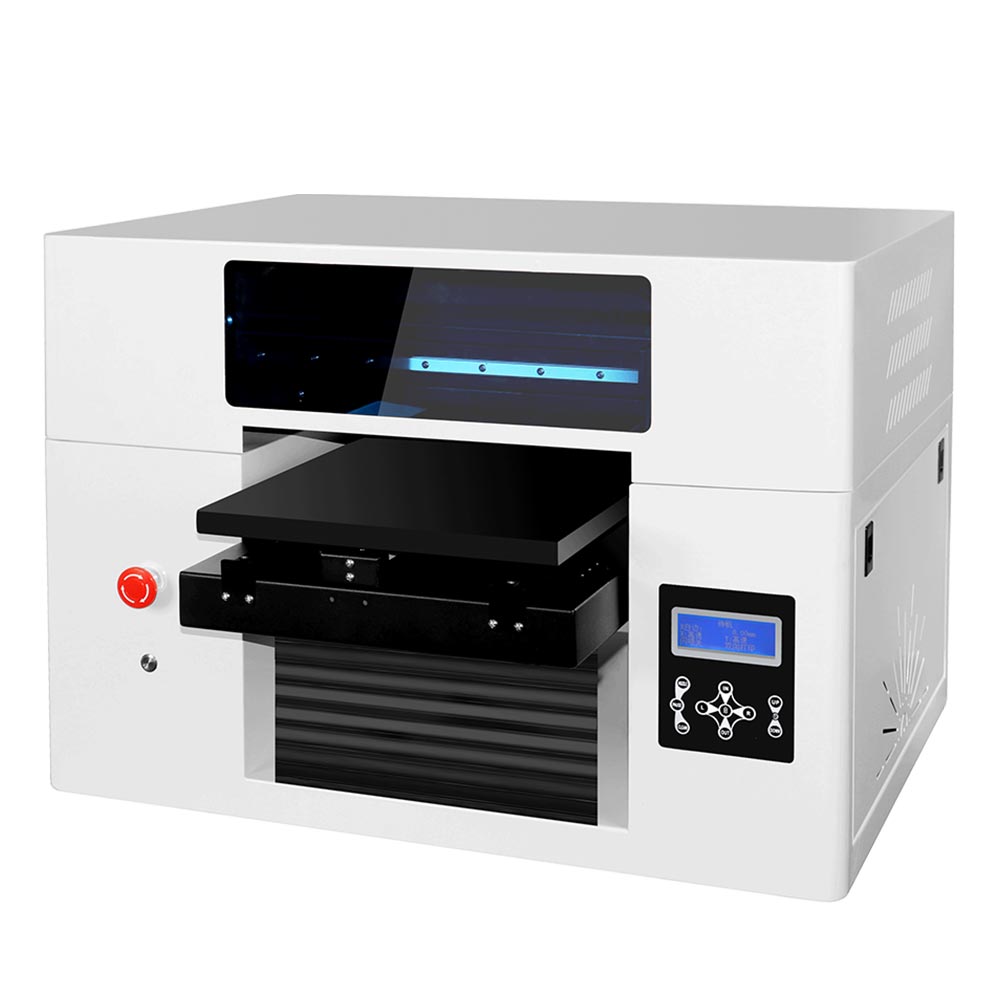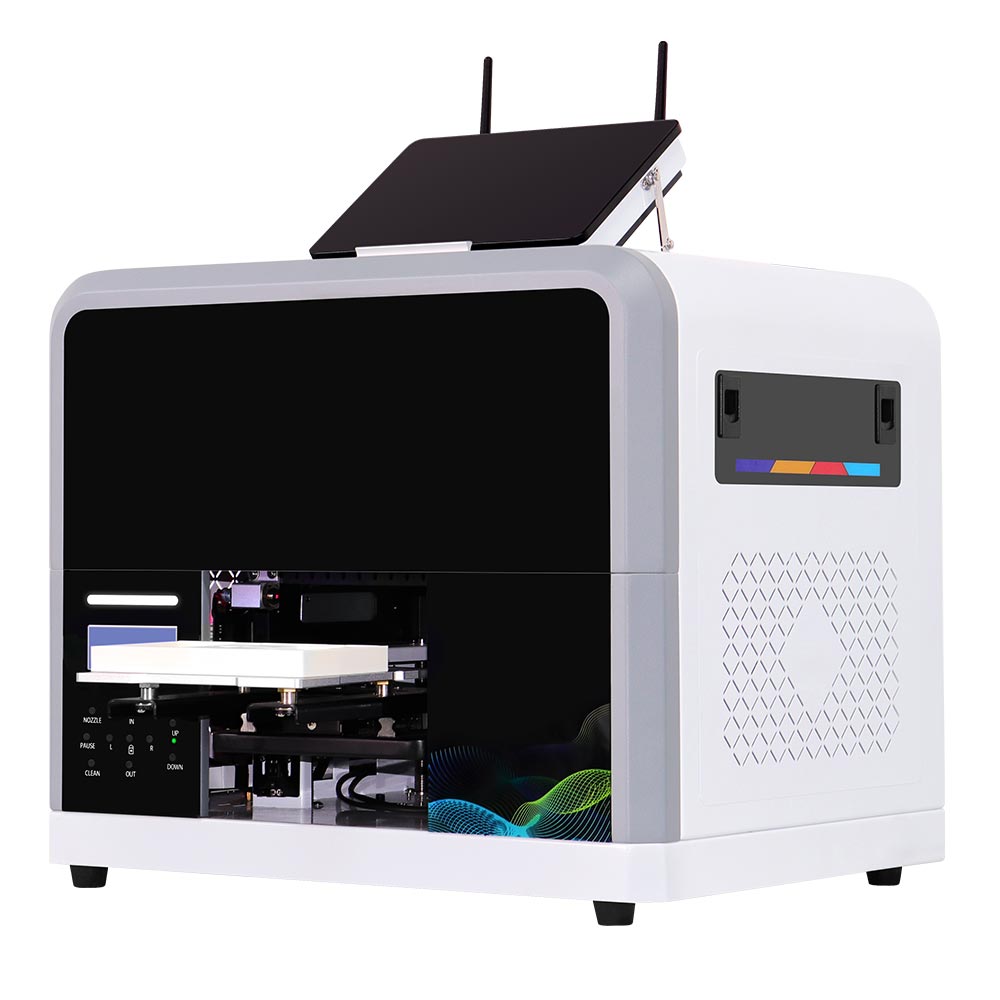
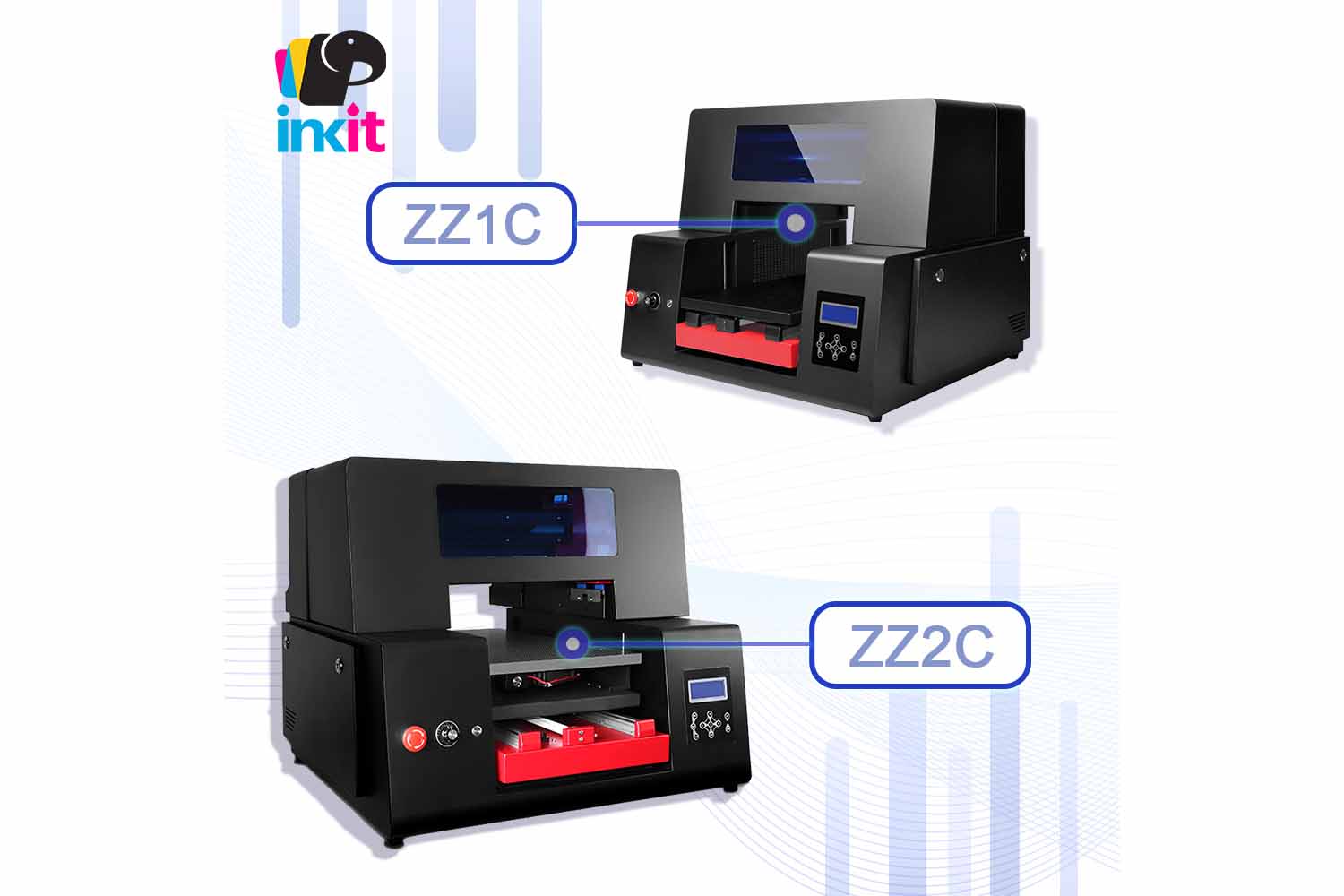
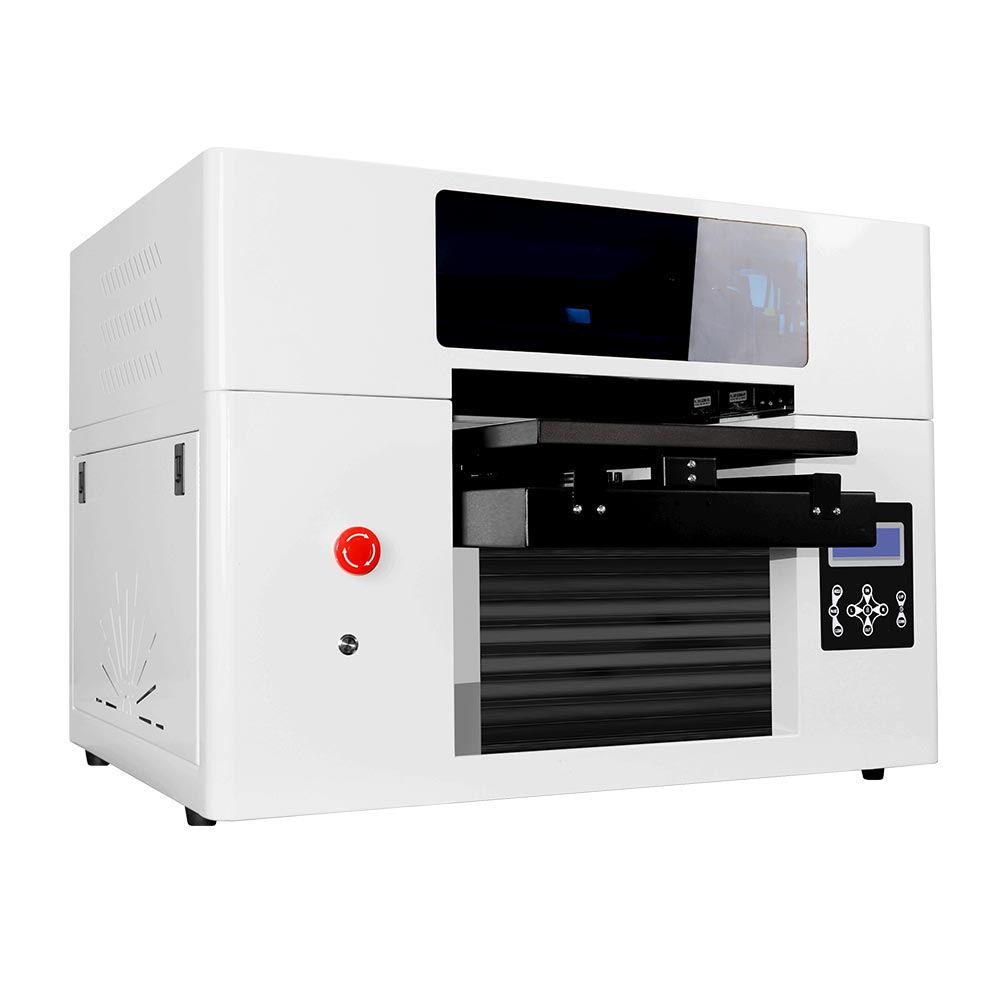
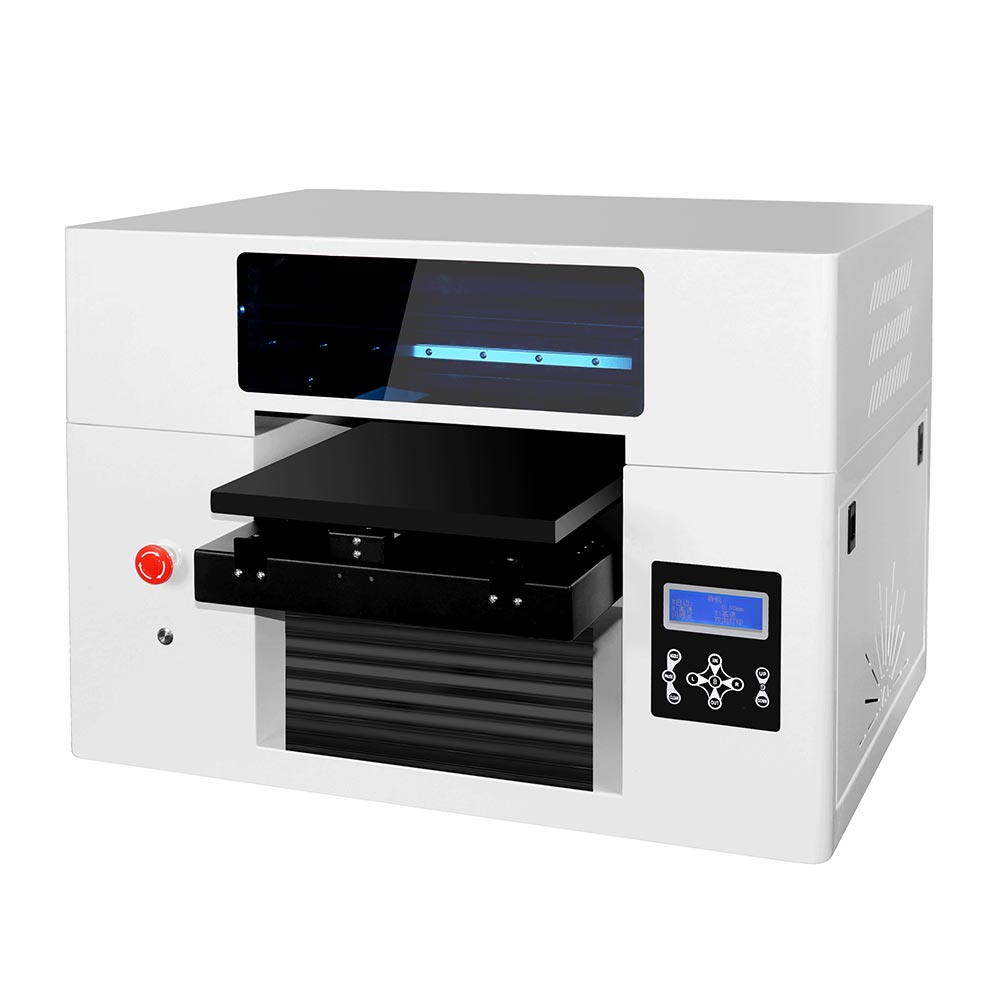
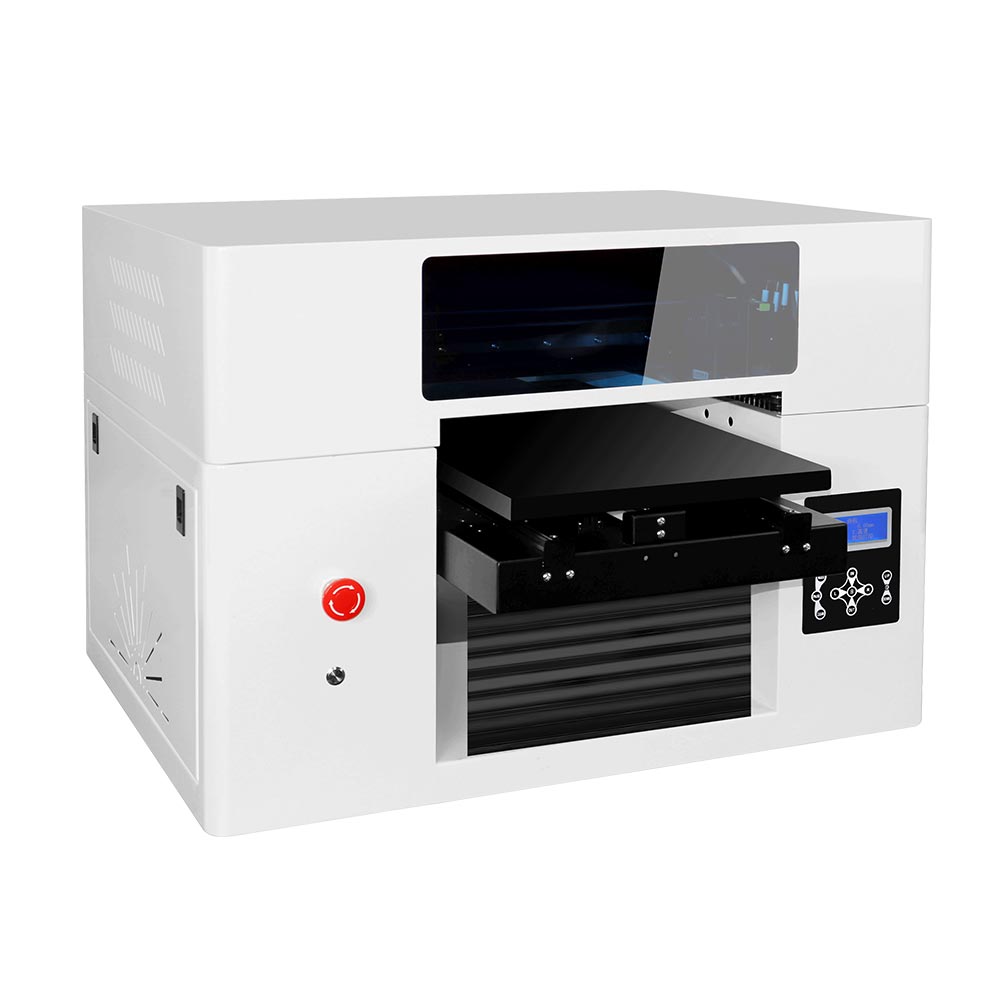
ZZ2E A3 Smart UV Printer
More Printing Space for More Custom Product Possibilities
The Inkit ZZ2E Smart UV Printer is an A3 UV flatbed printer designed for custom product businesses that need a larger print area, higher product clearance, and a simpler workflow for handling different products. Its 320 × 550 mm printing area and up to 200 mm object clearance provide more room for phone cases, acrylic gifts, PVC cards, leather products, wood items, promotional gifts, and grouped small products.
With an optional Windows PC configuration, QR code image upload, ColorPark mobile app, dual Epson F1080 printheads (ZZ2E = 2 printheads), and a servo-driven flatbed, ZZ2E supports both on-demand personalization and small-batch production. It is a practical choice for gift shops, souvenir businesses, promotional product suppliers, phone accessory stores, online customization sellers, and production studios that want one printer for multiple applications.
Key Features
320 × 550 mm A3+ Printing Area
The standard A3 paper size is 297 × 420 mm, while the ZZ2E offers a larger 320 × 550 mm flatbed printing area, meaning it provides more usable space than A3. This makes it easier to print larger products or arrange multiple small items in one batch.
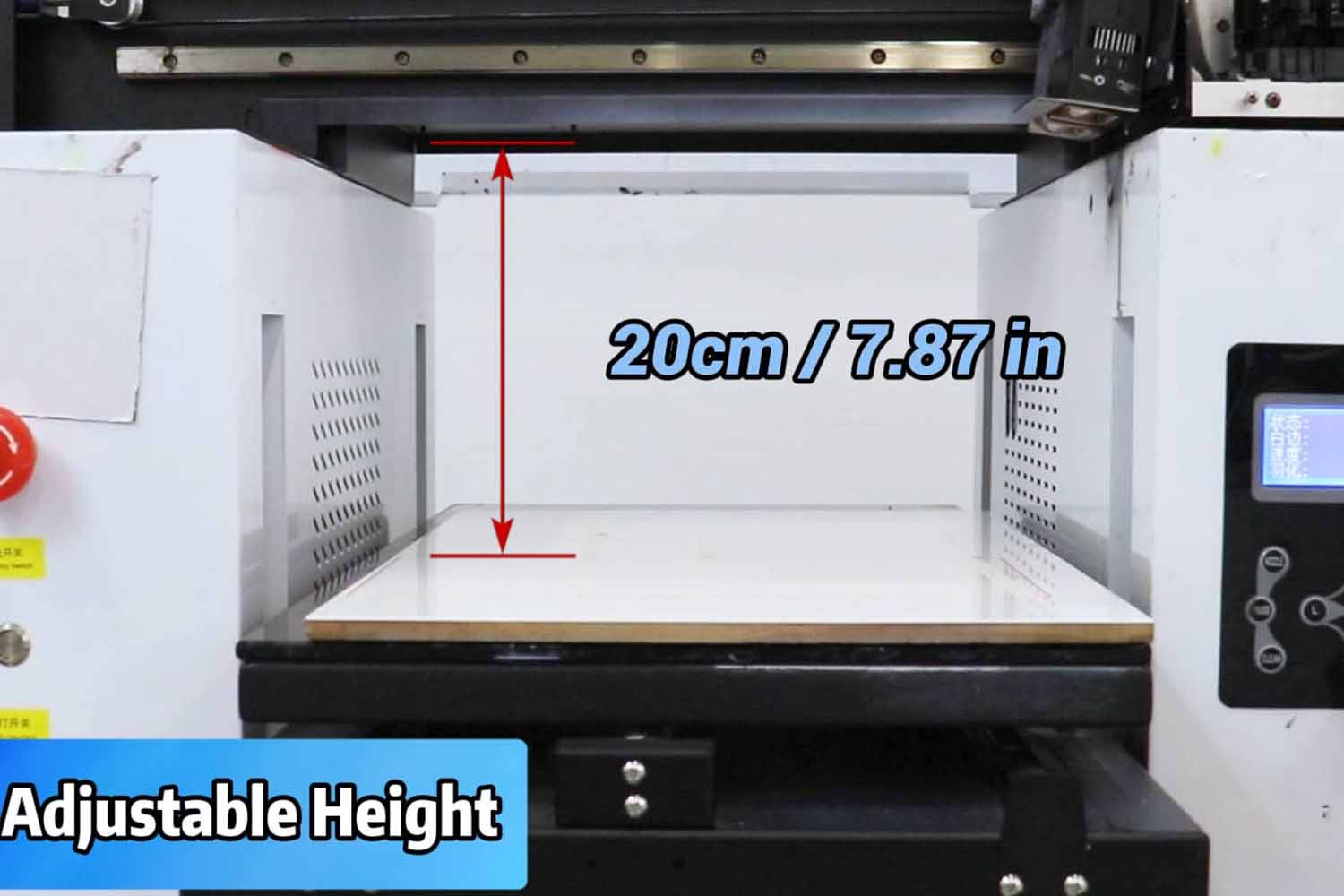
Up to 200 mm Object Clearance
ZZ2E supports products up to 200 mm high, giving businesses more flexibility when printing boxes, power banks, promotional gifts, and other raised objects that fit within the printable area.
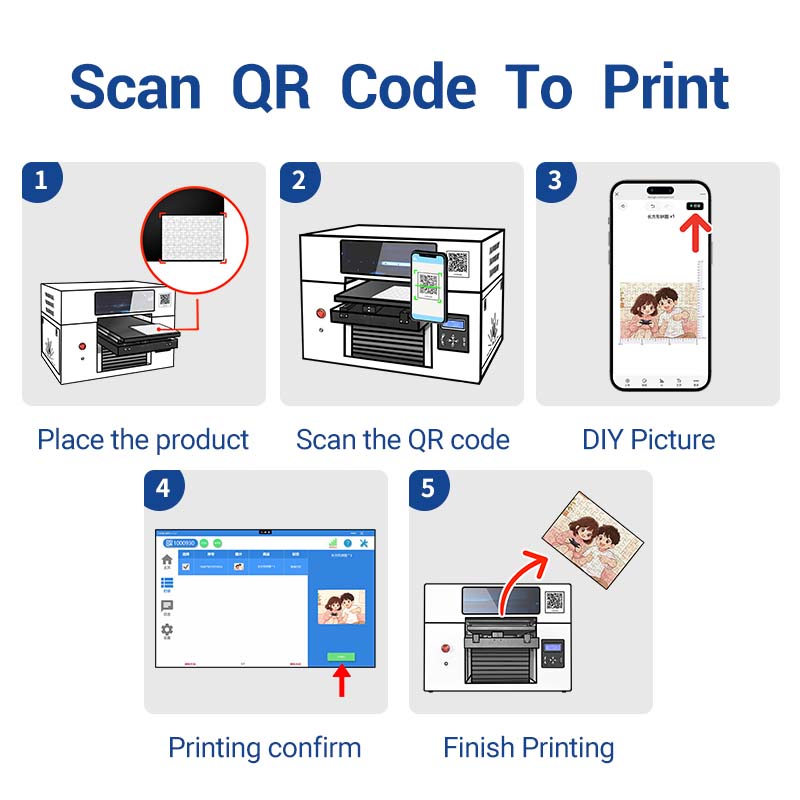
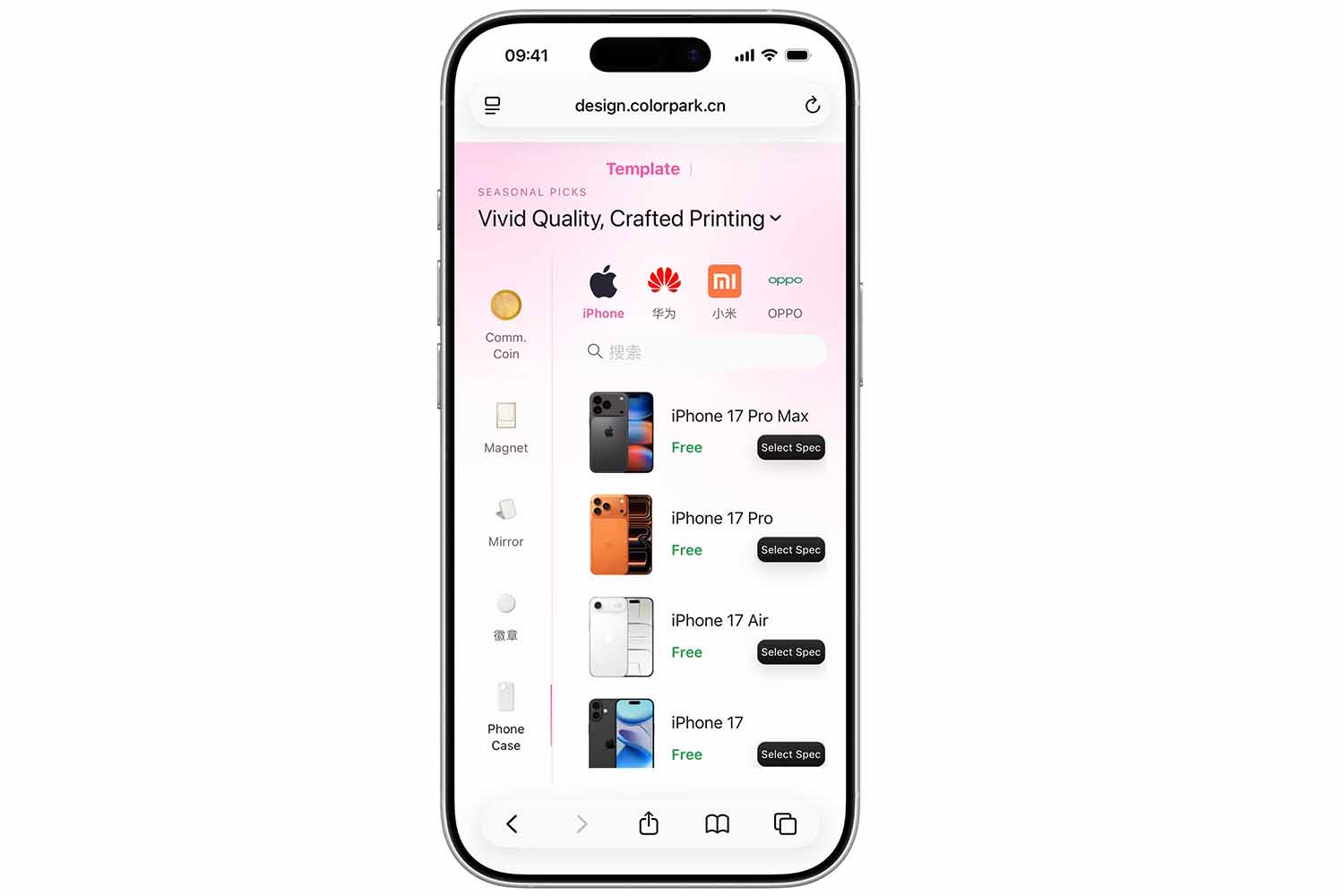
QR Code Upload and Mobile DIY Design
You can scan a QR code to upload photos, add text, adjust artwork size and position, and submit a customization order through the ColorPark mobile workflow.
CMYK + White + Varnish Printing and 3D Embossed Effects
White ink improves color coverage on dark, colored, and transparent products. Varnish (glossy coating) can be added to enhance surface shine, highlight specific areas, and improve scratch resistance. Multi-layer printing also enables raised textures for logos, text, decorative graphics, and other 3D embossed effects.
Customized Jigs for Batch Printing
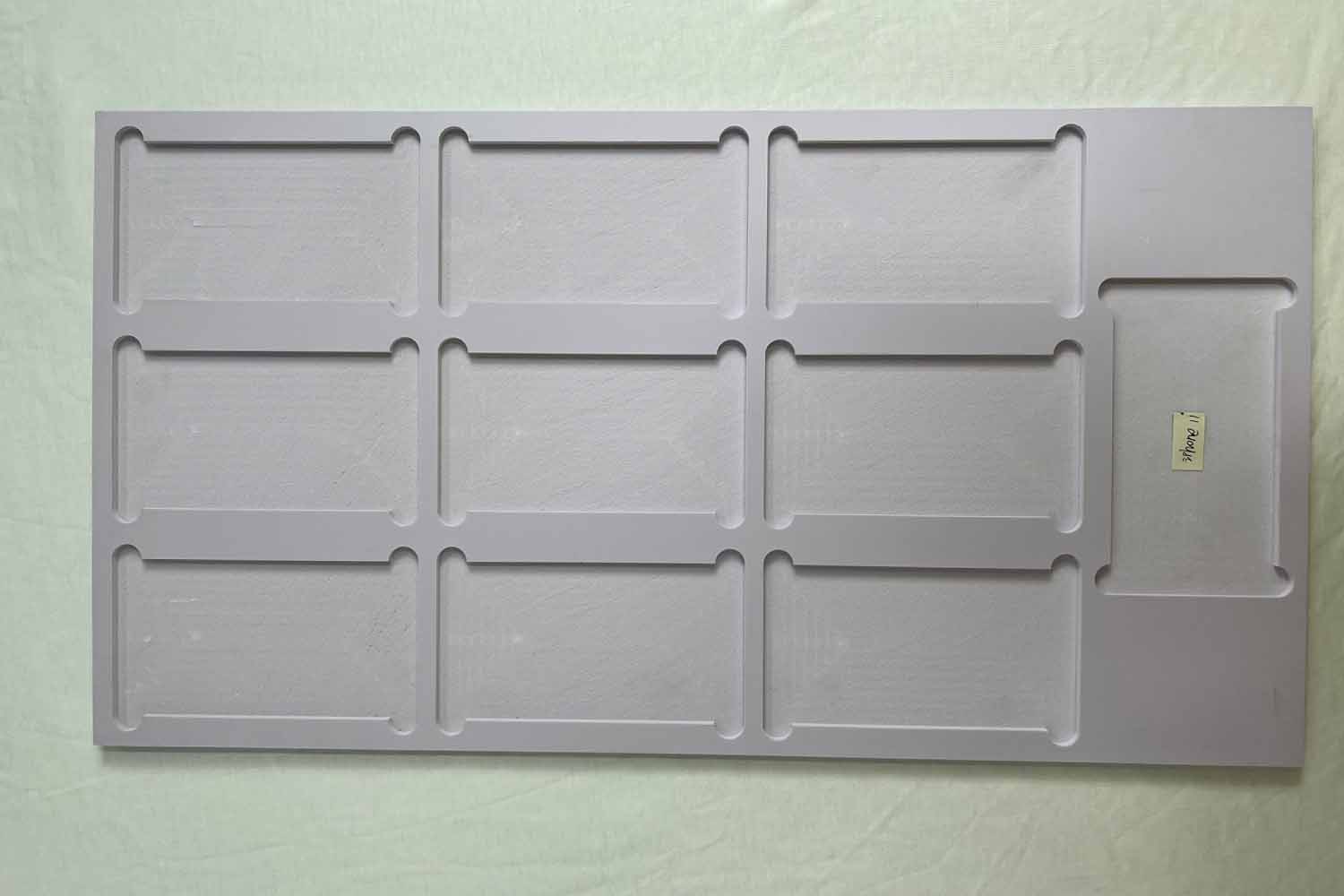
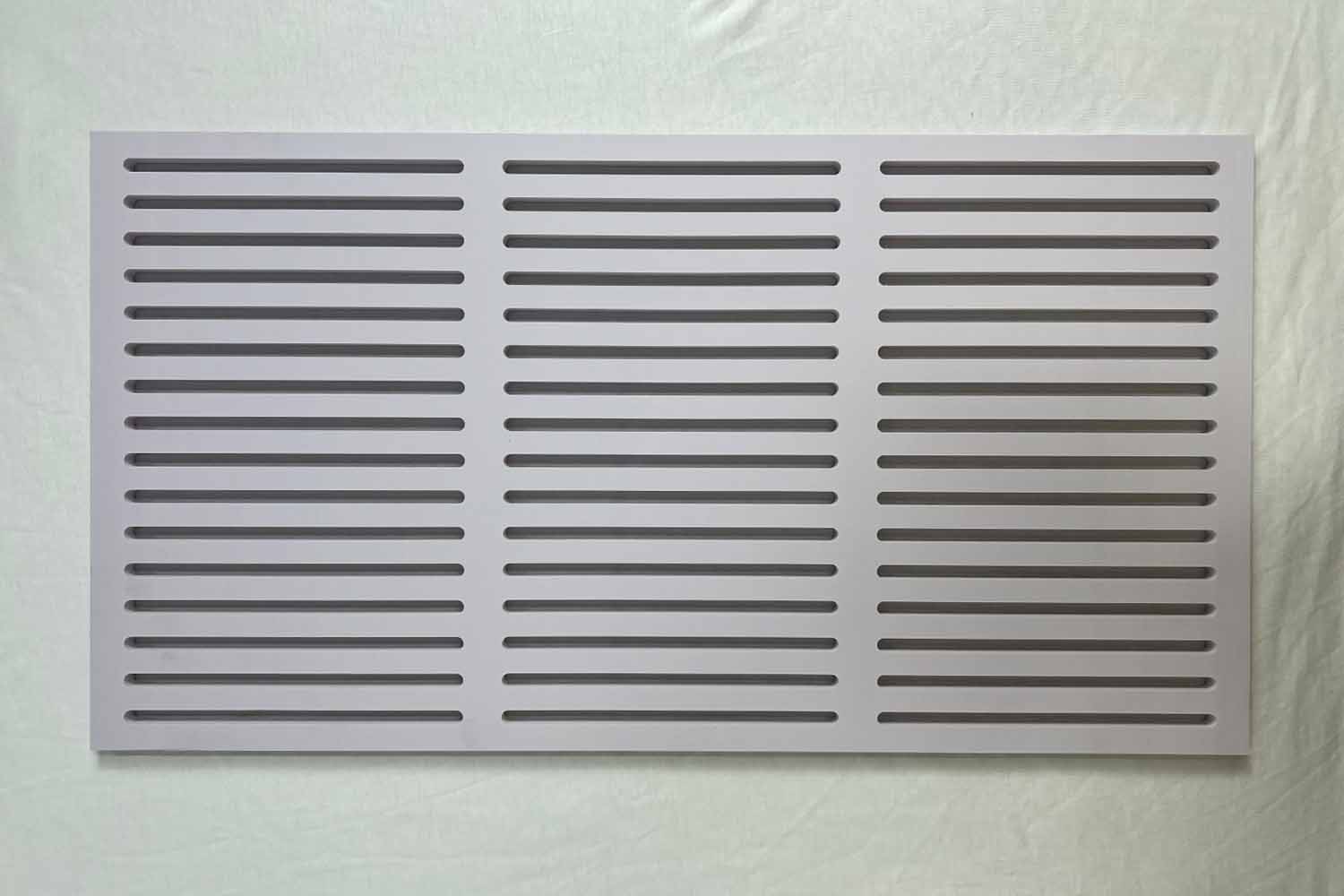
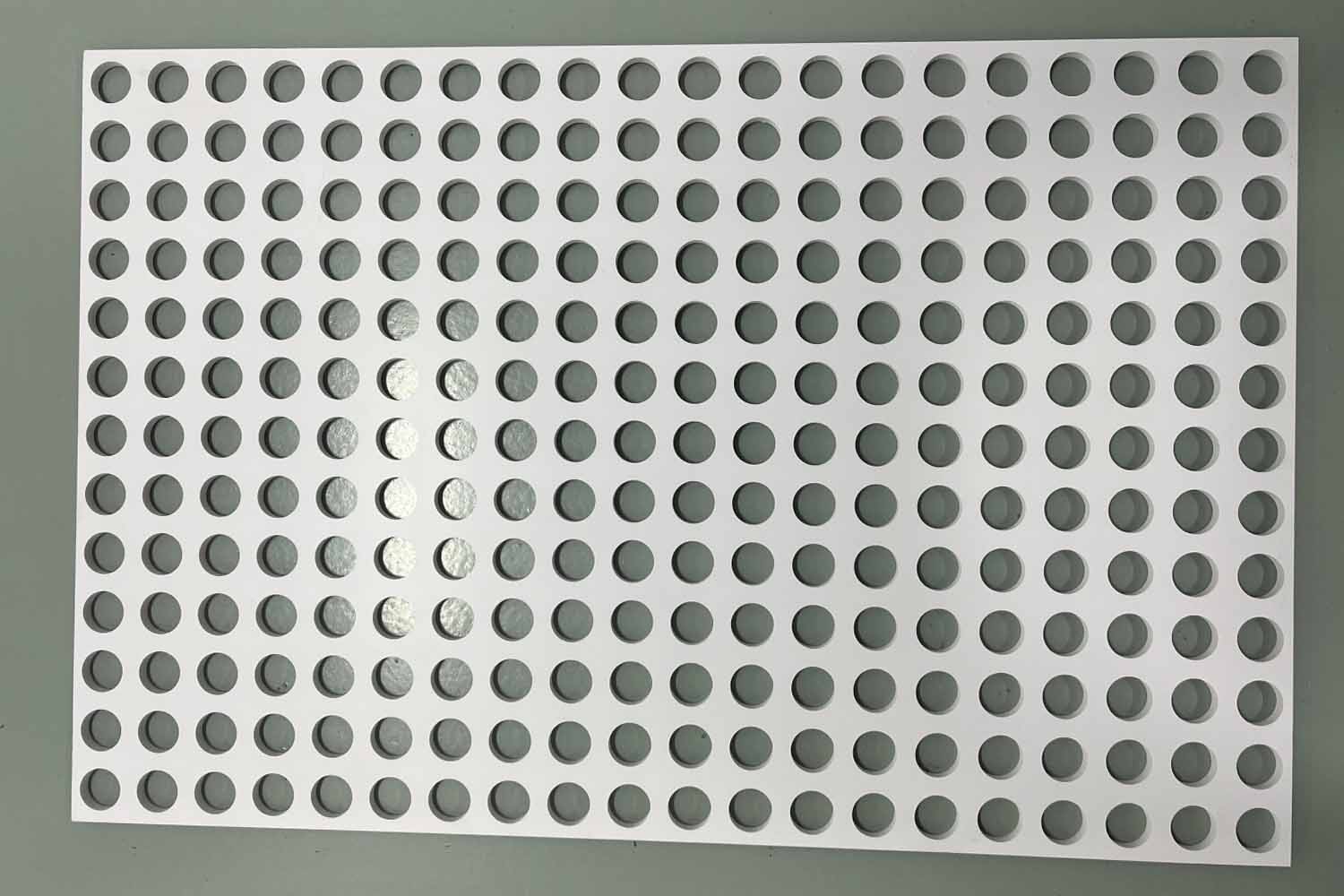
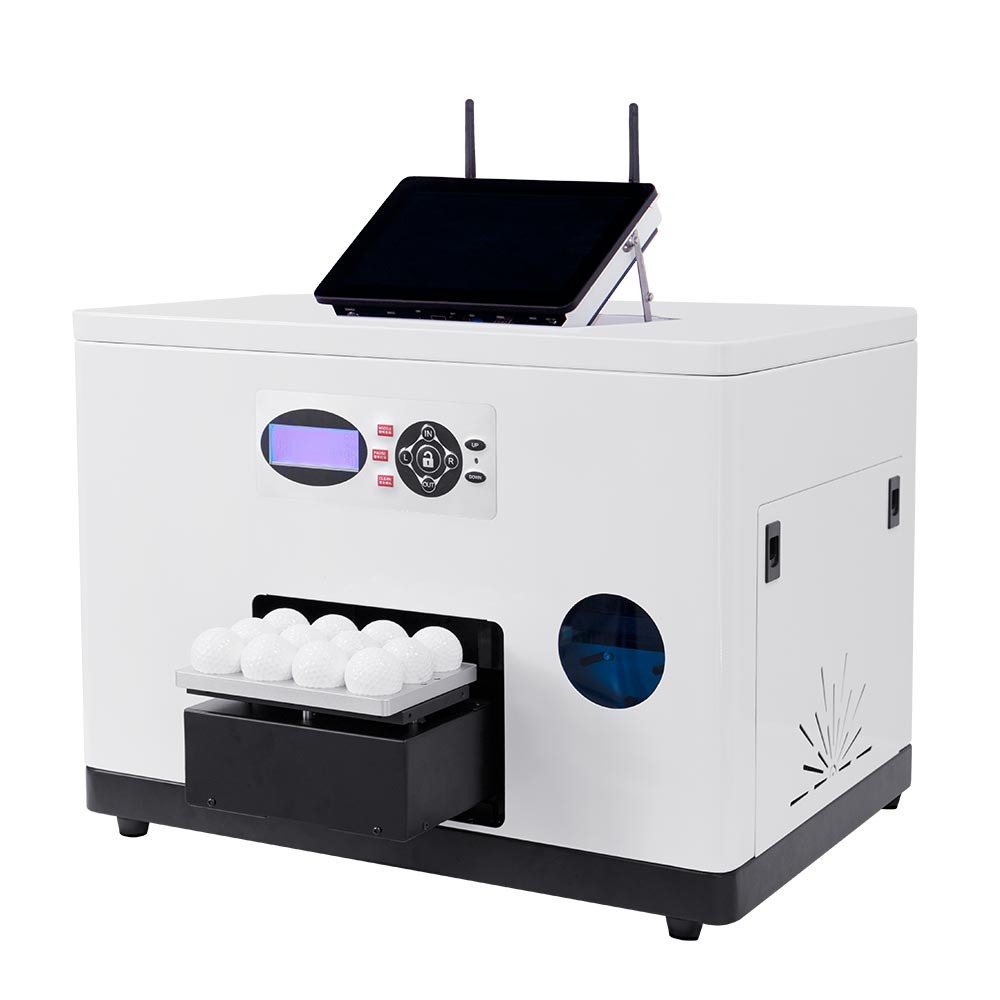
Product-specific custom jigs keep your repeated items in a consistent position, helping you print batches of phone cases, cards, pens, golf balls, badges, lighters, USB drives, microSD cards, fridge magnets, and other small products more efficiently.
Epson F1080 Printhead and Servo-Driven Flatbed
The original Epson F1080 piezoelectric printhead, combined with a servo motor-driven printing table, supports precise positioning and detailed output at resolutions up to 2880 × 1440 dpi.
ZZ2E SMART UV PRINTER PRODUCT DETAILS
Technical Specifications
Review the key specifications of the ZZ2E A3 Smart UV Printer, including its print area, product clearance, ink configuration, print performance, software, and machine dimensions.
| Item | Specification |
|---|---|
| Product Name | ZZ2E A3 Smart UV Printer |
| Product Type | Smart UV flatbed printer |
| Maximum Printing Area | 320 × 550 mm / approximately 12.6 × 21.7 in |
| Maximum Object Height | Up to 200 mm / 7.87 in |
| Printhead | Dual Epson F1080 piezoelectric print heads, made in Japan |
| Ink System | UV ink, Cyan + Magenta + Yellow + Black + White + Varnish |
| UV Curing System | Dual UV LED lamps with fan cooling |
| Maximum Resolution | Up to 2880 × 1440 dpi |
| Printing Speed | Approximately 3 minutes for an A4 job; actual time varies by artwork, print mode, ink coverage, and layer settings |
| Printing Modes | 8 pass / 12 pass / 16 pass |
| Flatbed Transmission | Servo motor |
| Ink Supply | Continuous ink supply system |
| Suction Table | Optional |
| Mobile Workflow | QR code upload through ColorPark AI-Pro mobile app |
| Printing Software | Hosonsoft PrintExp, ColorPark AI-Pro and ColorPark Client |
| Interface | Internet / network connection |
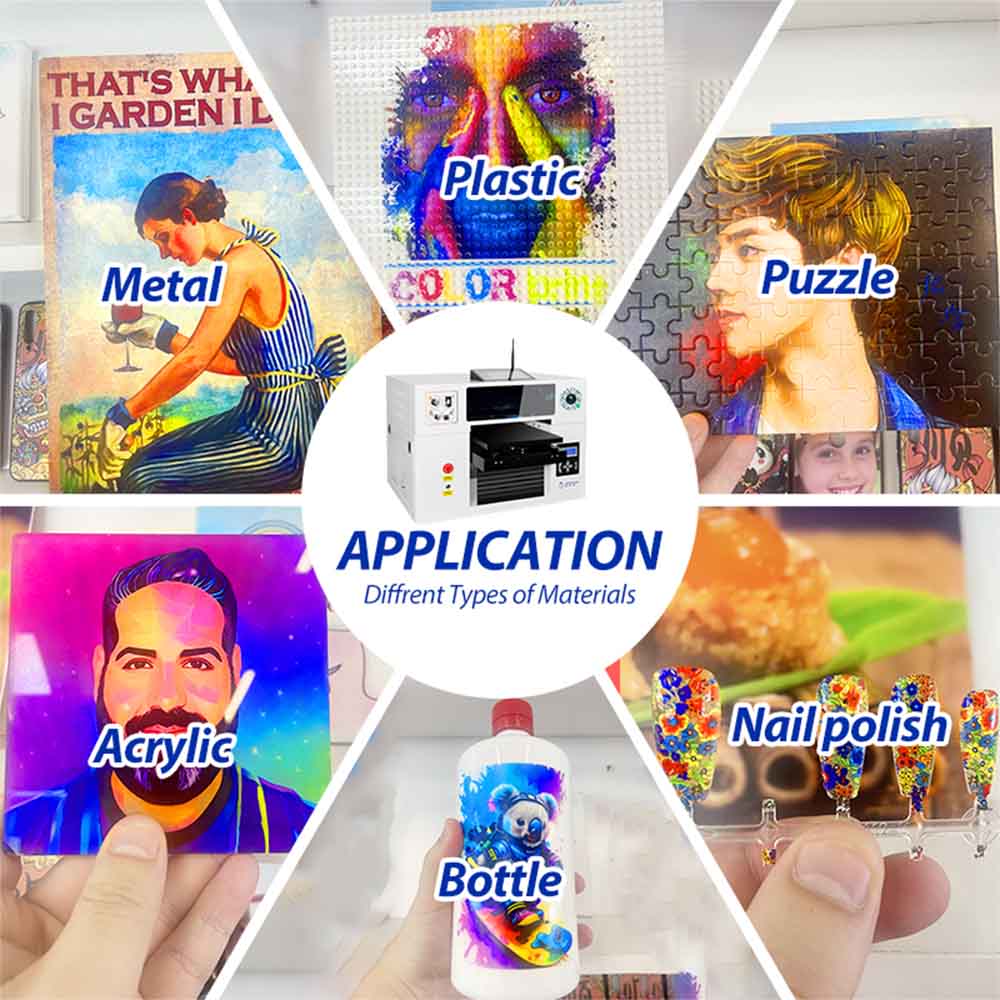
| Suitable Products | Phone cases, PVC cards, acrylic gifts, power banks, leather goods, wood products, stone sheets, pens, golf balls, promotional items, and other compatible products |
| Printer Size | 70 × 90 × 65 cm |
| Printer Weight | 62 kg |
| Shipping Size | 100 × 91 × 83 cm |
| Shipping Weight | 110 kg |
| UV Lamp Life | Up to 50,000 working hours under recommended operating and maintenance conditions |
How to Use the ZZ2E Smart UV Printer
From mobile artwork upload to the finished product, ZZ2E turns multi-product customization into a clear four-step workflow.
Choose the Product and Install the Jig
Select a compatible blank product and install the matching jig when needed. Place the product securely and confirm that its size and height are within the printable range. Clean or pretreat the surface when required for better ink adhesion.
Upload or Create the Design
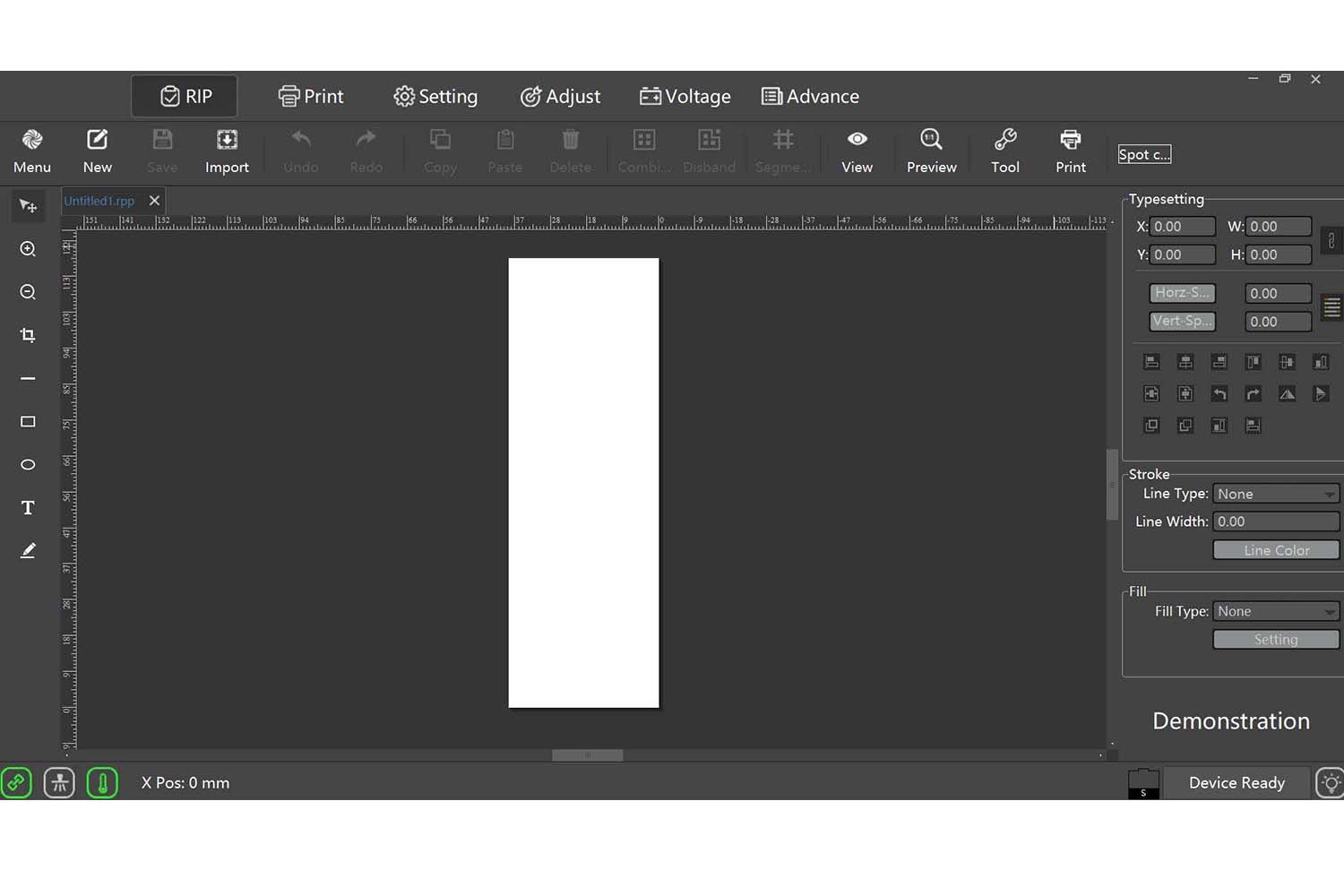
Scan the QR code to open ColorPark AI-Pro. Upload a photo or design, add text, and adjust the image size and position from a mobile device. You can use the AI image generation feature to create unique designs.Of course, you can also use the Hosonsoft PrintExp printing software on a computer to upload and edit images for printing.
Preview and Submit the Print Job
Select the correct product template, check the artwork placement, and submit the order to the ColorPark Client. You can review the task and confirm the print settings before production.
Print, Cure, and Collect
Start the job through the ColorPark client. ZZ2E prints the artwork and cures the UV ink during production, so the finished product can be checked and collected after printing. A standard A4 job takes approximately three minutes, depending on the artwork and settings.
A3+ Printing Area with 200 mm Product Clearance
Compact UV printers are convenient for small items, but their limited bed size and product clearance can restrict the range of orders a business can accept. Large industrial flatbed printers offer more capacity but usually require more space, investment, and operator experience.
ZZ2E fills the space between these two categories. Its 320 × 550 mm flatbed can accommodate larger products or multiple small items, while the 200 mm object clearance supports thicker products that cannot fit into many compact machines. This gives growing customization businesses more production flexibility without moving directly to a large-format industrial printer.
Direct UV Printing on Multiple Materials
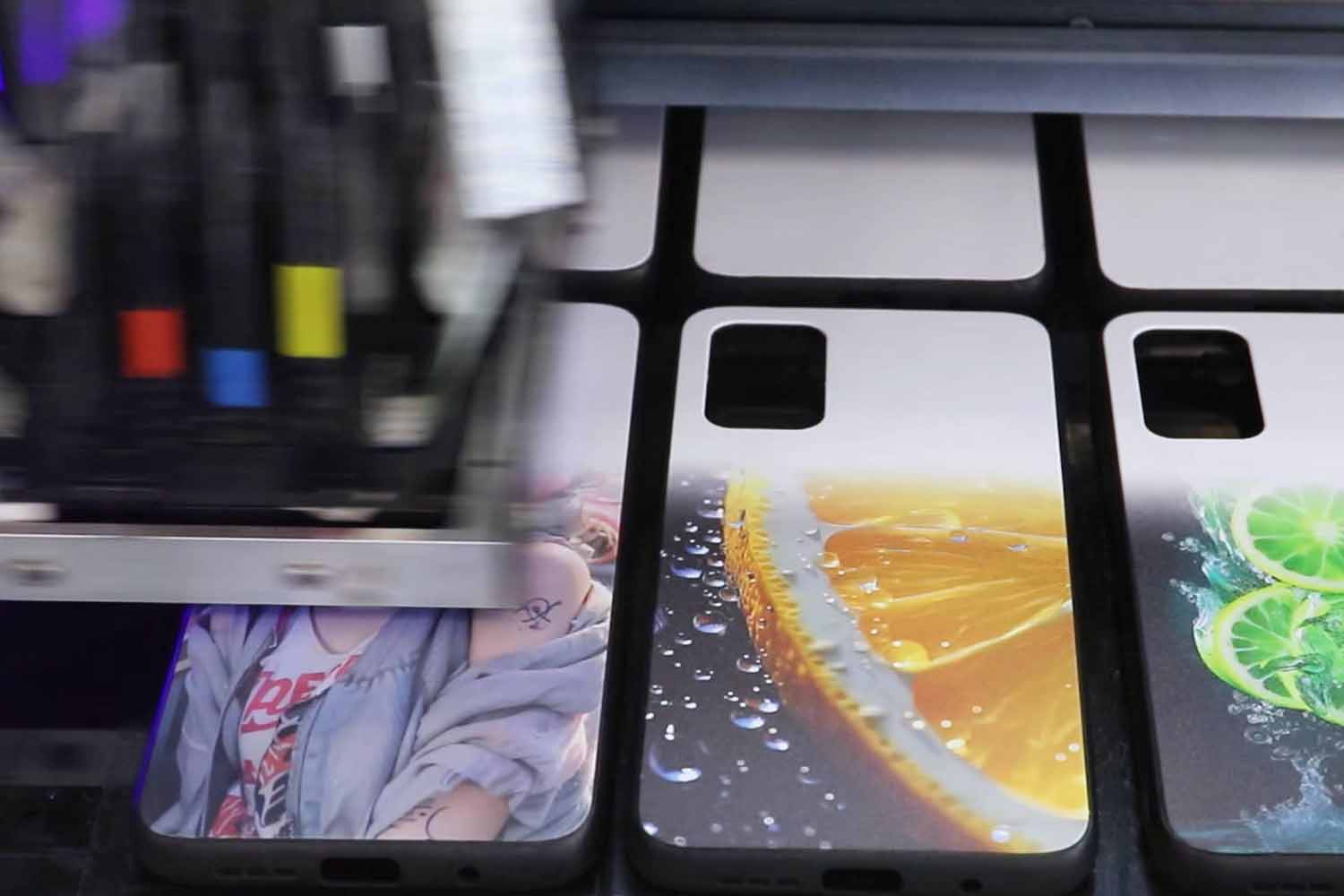
ZZ2E can print directly on a wide range of compatible rigid and selected flexible materials, including acrylic, PVC, coated metal, glass, wood, stone sheets, leather, phone cases, power banks, and promotional products. UV LED curing fixes the ink during printing, helping produce vivid colors and detailed graphics.
Material coatings and surface properties vary. Adhesion testing is recommended before volume production, and some products may require cleaning, primer, plasma treatment, or another appropriate pretreatment. Customized jigs may also be needed for irregular or grouped items.
Mobile Upload for Faster Customer Customization
With the ColorPark workflow, you can scan a QR code and upload artwork directly from your phone. You can add text, resize graphics, and adjust the print position without relying on Photoshop for standard orders.
This workflow is especially useful for gift shops, souvenir stores, retail counters, events, and other customer-facing businesses. It shortens the path from your customer’s photo to a submitted print task and helps you deliver a more interactive on-demand customization experience.
White Ink and 3D Embossed Printing Effects
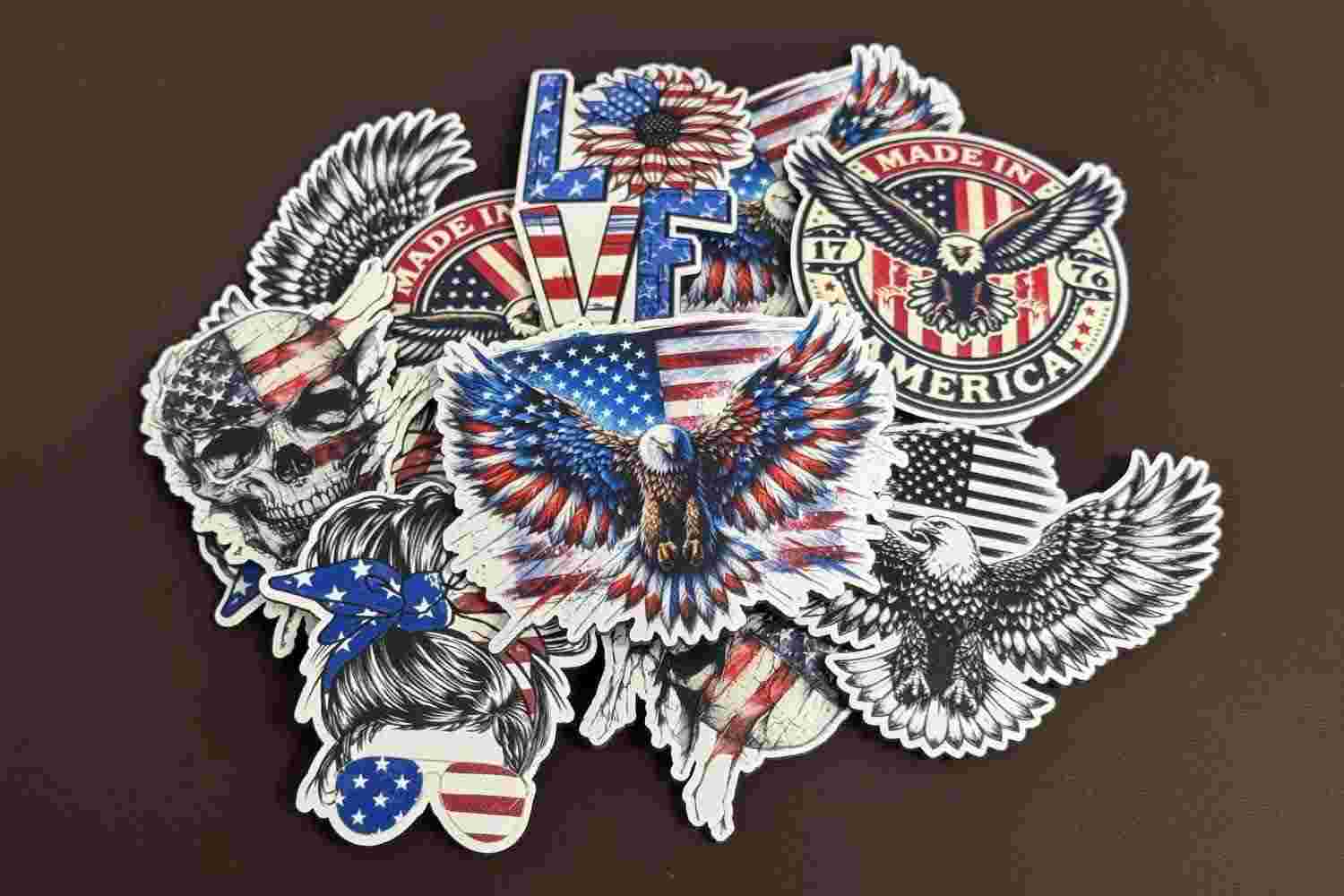
You can use CMYK color ink together with white ink. The white layer can be printed beneath color artwork to improve brightness and coverage on dark, colored, or transparent products. This is especially useful for black phone cases, transparent acrylic, colored promotional products, leather goods, and other materials where CMYK alone may appear weak. You can configure the appropriate color and white layers according to the material, artwork, and desired result.
Multiple-layer printing allows ZZ2E to build raised ink textures for selected designs. When you print multiple layers of white ink, you can achieve the 3D embossed effect that you often see on social media. This can add tactile depth to logos, lettering, decorative patterns, artwork, and accessibility applications such as raised text or Braille samples.
Embossed printing can help businesses create higher-value gifts, souvenirs, branded products, packaging elements, and decorative pieces. Production time varies according to the number of layers and the height of the required effect.
UV Varnish for Premium Surface Effects
ZZ2E also supports UV varnish printing, which adds a transparent protective and decorative layer on top of the printed artwork. Varnish can be applied as full-surface coating or spot coating to create different visual and tactile effects, such as high-gloss highlights, matte contrast, or selective shine on logos and key design elements. This not only enhances color depth and visual impact but also improves scratch resistance and surface durability.
UV varnish is widely used in premium customization scenarios, including luxury gift packaging, branded promotional products, phone cases, acrylic signage, business cards, labels, and souvenir items. By combining CMYK color, white ink, embossed texture, and varnish effects, businesses can create higher-value products with stronger visual appeal and a more professional finish.
Support for embossed and varnish effects in ColorPark AI-Pro is currently under development. If you need to perform localized spot color processing—such as applying varnish or embossing to specific areas—you will still need to use our Hosonsoft PrintExp printing software.
Customized Jigs for Consistent Batch Printing
For repeated orders, customized jigs hold products in fixed positions and help maintain consistent artwork placement. You can arrange multiple small items on the A3+ bed, select the matching template, and print a group in one production cycle.
Jigs can be designed for products such as phone cases, pens, golf balls, PVC cards, badges, souvenir coins, key rings, lighters, and other regularly shaped items. The actual batch quantity depends on product dimensions, jig layout, artwork, and print settings.
Built-in Computer and Integrated Software Workflow
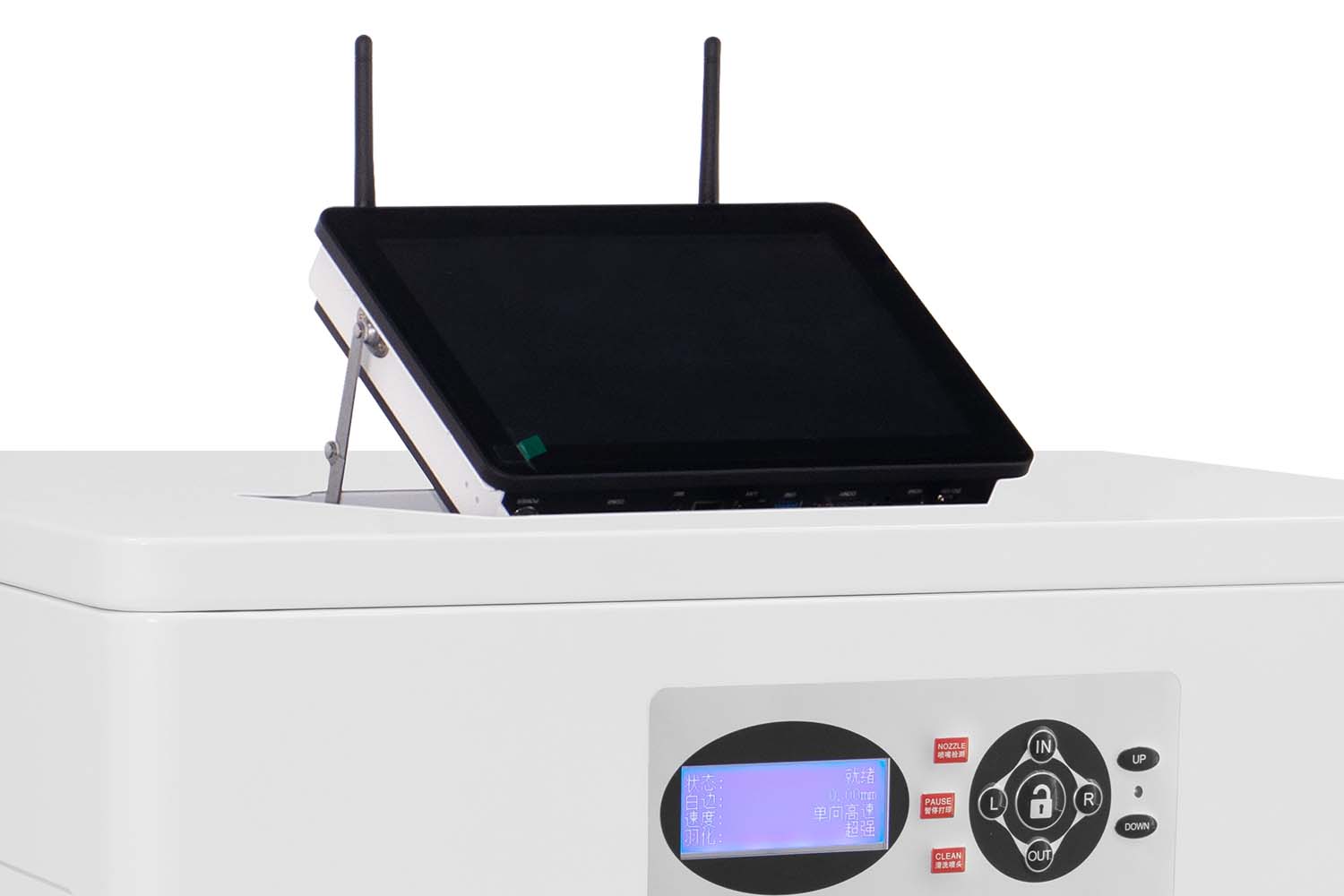
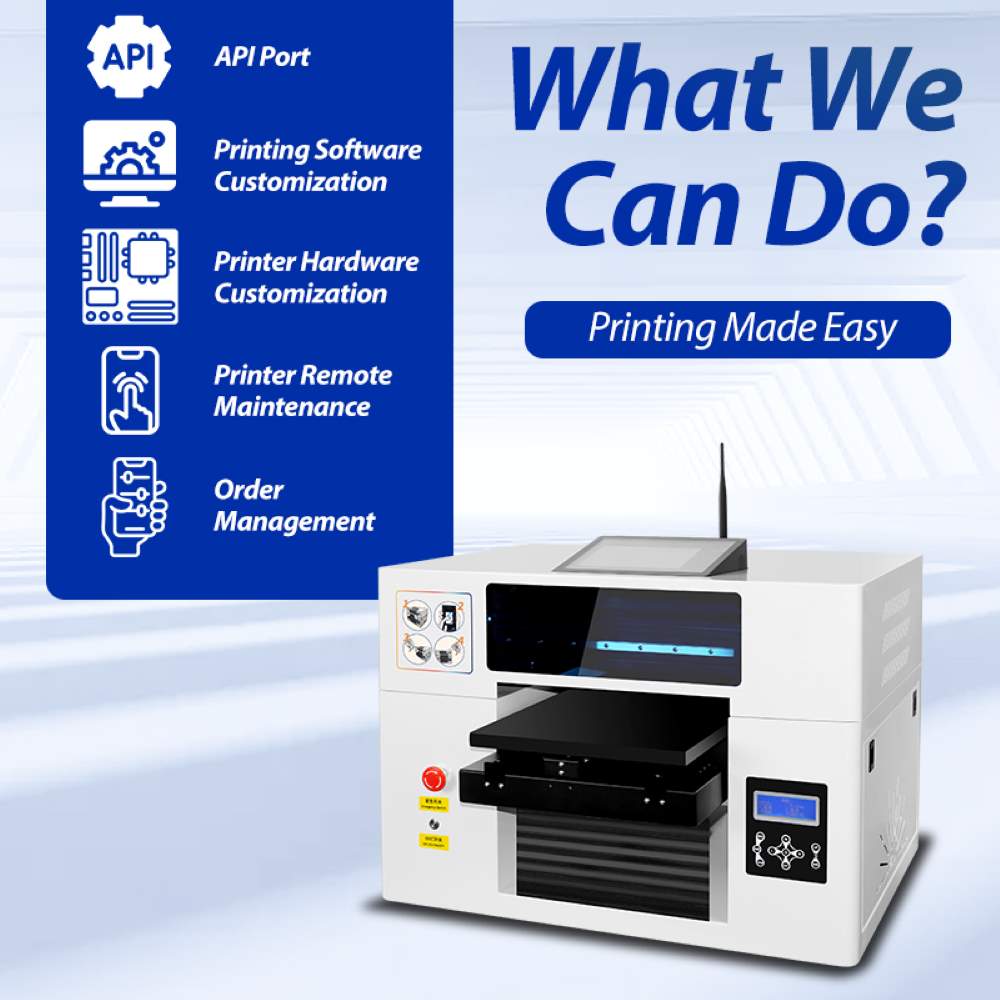
ZZ2E smart uv printer can be equipped with a built-in Windows PC as an optional configuration. ColorPark AI-Pro supports customer-facing image upload and order submission, while the ColorPark Client receives and manages print jobs.
Hosonsoft PrintExp is used for your printer-side layout, positioning, print direction, pass settings, and output control. This combination supports both your mobile customization workflow for routine orders and more detailed printer control when you need to prepare special products or production jobs.
Suitable Business Applications
ZZ2E smart uv printer is suitable for
- Gift customization shops
- Souvenir and cultural tourism stores
- Promotional product suppliers
- Phone accessory and phone case stores
- Advertising product workshops
- Small-batch product branding studios
- Online personalized product sellers
- Event and pop-up customization services
- Product sample rooms and development teams
How to Start a Multi-Product Customization Business with ZZ2E
ZZ2E smart uv printer is designed for businesses that want to offer more than one customized product without starting with a large industrial production line.
Step 1 – Choose Your Target Customers
Define the customers you want to serve, such as tourists, gift buyers, local businesses, event organizers, phone accessory shoppers, corporate clients, or online consumers. A clear target audience makes it easier to choose profitable products and design styles.
Step 2 – Select and Test Your Product Range
Begin with a focused selection of products that fit the 320 × 550 mm bed and 200 mm height. Customers can consider sending their sample products for testing, or we can also help source suitable samples from Chinese e-commerce platforms based on their requirements before starting full production. Our team can perform test printing to evaluate print quality, ink adhesion, and production time, as well as provide professional recommendations on product suitability, workflow optimization, and any steps before customers proceed to small-batch production.
Step 3 – Prepare Jigs and Product Templates
Based on sample testing results, we can design and customize batch production jigs according to your specific requirements. A related jig development and production fee may apply depending on the complexity and quantity of the fixtures needed.
Use customized jigs to hold products securely and create matching digital templates for artwork placement. Accurate jigs and templates make repeated orders easier to operate and reduce positioning errors.
Step 4 – Build Your Ordering and Printing Workflow
Customers can upload images through ColorPark AI-Pro, while you check the artwork and manage printing through the ColorPark Client and Hosonsoft PrintExp. The workflow can be adapted for staffed retail service, event orders, online customization, or connected business systems.
Step 5 – Launch, Measure, and Expand
Start with a manageable product range, record material costs and production time, and identify your best-selling designs. As orders grow, add new jigs, templates, products, and sales channels while continuing to use the same core printing platform.
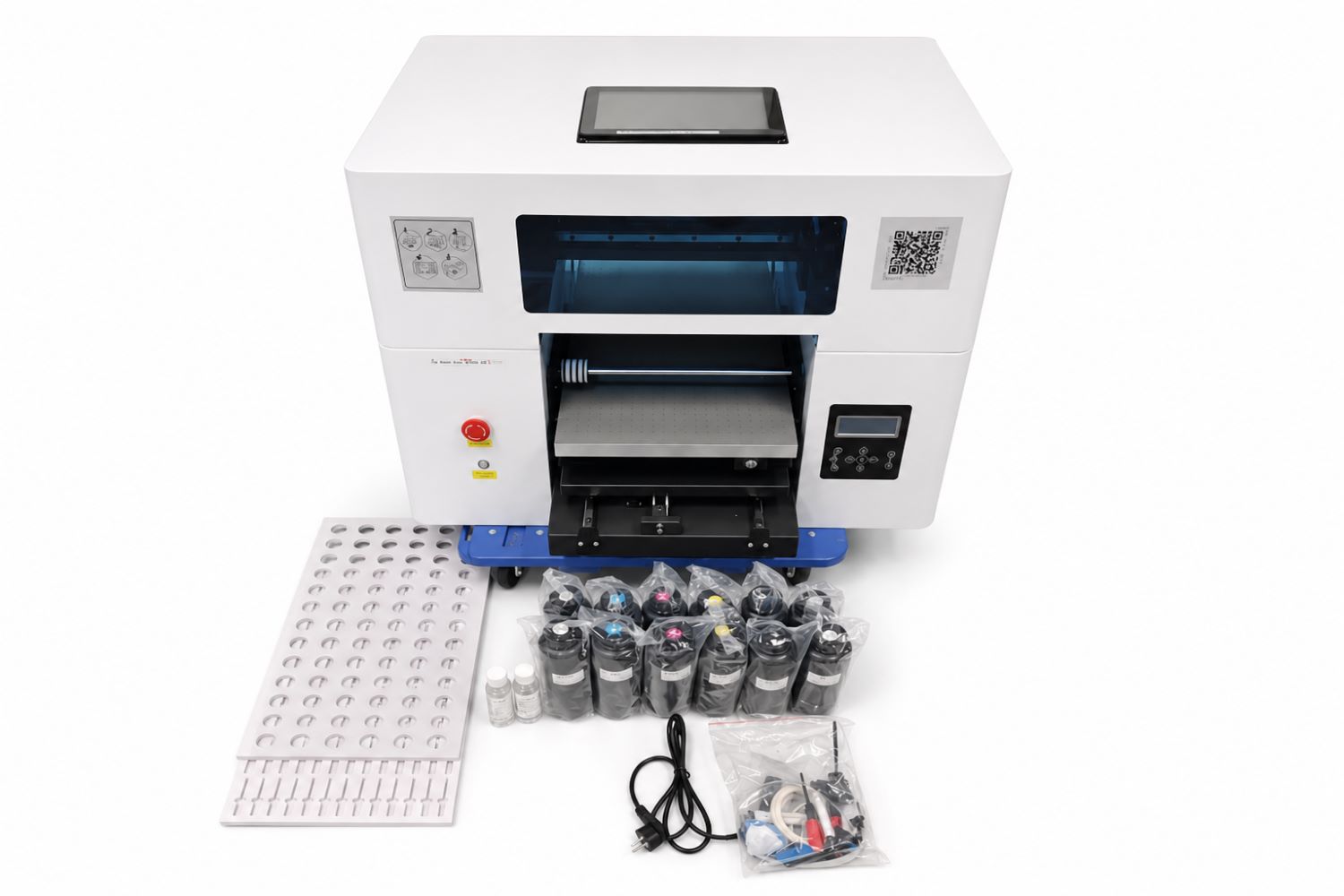
ZZ2E Smart UV Printer Packing List
- ZZ2E A3+ Smart UV Printer
- CMYK + White + Varnish UV ink
- 100ml cleaning liquid.
- 100ml protection liquid.
- Jig(s) as ordered
- Basic accessories include Power line, Ethernet Cables, Dampers, cables, English manual, etc.
Warranty and Technical Support
Inkit provides warranty and after-sales support for ZZ2E, including remote troubleshooting, operating guidance, print setup assistance, software support, and service solutions for eligible covered issues. Warranty coverage, duration, consumable exclusions, and replacement terms are subject to the confirmed order and Inkit warranty policy.
Can it print on all materials?
ZZ2E UV printer machine can print on most flat surfaces, but due to UV ink characteristics and differences in material properties, adhesion may vary. Some materials, such as silicone, may result in poor ink adhesion. The final print performance should always be confirmed through sample testing before production.
How many items can it print in a single batch?
Its 320 × 550 mm (12.6 × 21.7 in) A3 printing area can print up to 10 iPhone 13 phone cases in a single batch. With a dedicated golf ball printing jig, it can also print up to 72 golf balls at one time. The printing cost can be as low as US$0.20 per phone case and US$0.006 per golf ball.
What does each printhead print?
The Epson F1080 printhead has six ink channels, with each channel assigned to one color. The first printhead is configured for CMYKWW printing. To achieve a brighter and glossier varnish effect, the second printhead is dedicated to varnish printing.
What is a suction table, and what is it used for?
A suction table is a printing bed that uses suction to hold thin or flexible materials flat and securely in place during printing. It is commonly used for materials such as stickers, films, and other lightweight sheets.
By keeping the material from shifting, lifting, or curling during printing, the suction table helps reduce the risk of the material scraping against the printhead. This helps protect the printhead from damage and improves printing stability and print quality.
Do non-standard orders require Photoshop?
Yes. For custom orders that require designs beyond the pre-designed templates available in the ColorPark AI-Pro mobile app, you may need to prepare the artwork in Photoshop first. Then, import the image into Hosonsoft PrintExp, set the required printing parameters, and confirm the print job.
Which languages does the ColorPark AI-Pro mobile app support?
The ColorPark AI-Pro mobile app supports English, Japanese, German, Indonesian, Turkish, and Spanish. If your preferred language is not listed, Inkit can provide free language customization. Depending on the requirements, customization usually takes one week or longer.
Get a Custom Printing Solution Proposal in 24 hours
Tell us your target product, business model, and integration needs. Our team will recommend the right printer, software workflow, and customization solution for your project.
Contact
GuangDong Easy-Print Technology Co., Ltd.
- Address 9F, Building E25, Tian'an Shenchuang Valley, Fenggang Town, Dongguan 523703, China
- Contact Shangguan Hanwen
- Email info@easyinkit.com
- Phone +86 17322370991